
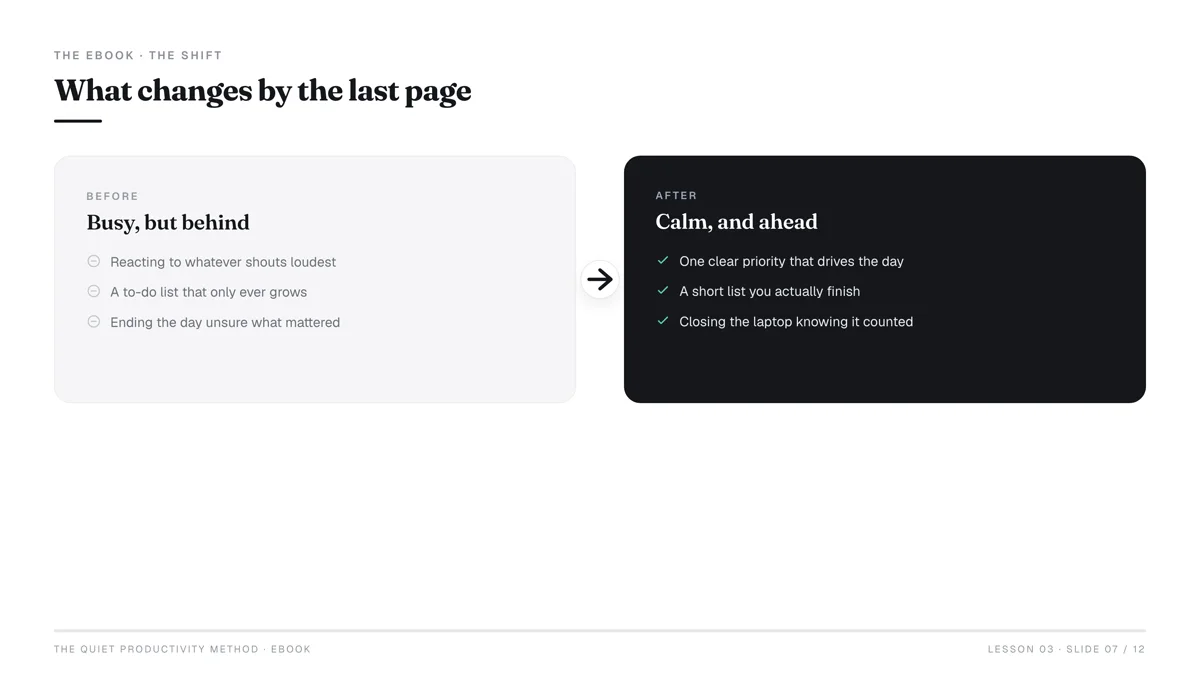
The idea of creating a digital product in a single day sounds almost too good to be true, doesn't it? Perhaps you've Googled "passive income" late at night, dreamed of selling something you love, or simply want to escape the 9-to-5 grind. The internet is awash with gurus promising overnight riches, but the reality is often a confusing maze of complex tools and endless tutorials.
But here's the truth: While building a thriving digital product empire takes time, launching your first viable digital product – something real, valuable, and ready to sell – is absolutely achievable within 24 hours. The secret isn't a magic button; it's a strategic, focused approach to ideation, creation, and distribution that prioritizes speed and simplicity over perfection. Forget the complex funnels and advanced marketing for now. We're going to get you from zero to your first product listing by tomorrow.
This isn't about cutting corners; it's about smart execution. You have skills, knowledge, or a unique perspective that someone else is willing to pay for. This guide will show you how to package that into a sellable digital asset, choose the right platform, and put it out into the world – all within the span of a single focused day.
The "One Day" Myth vs. Reality: What's Truly Possible?
Let's clarify what "creating a digital product in one day" truly means. It doesn't mean you'll be a millionaire by bedtime, nor does it imply a fully-fledged, complex software application. What it does mean is you can conceptualize, create, package, and list a high-quality, valuable digital product for sale within a 24-hour period.
This is about launching your Minimum Viable Product (MVP). An MVP is the version of a new product with just enough features to satisfy early customers and provide feedback for future product development. For digital products, this means delivering core value without unnecessary bells and whistles. The point is to get it out there, validate the idea, and start learning from real users.
The digital product market is booming. This growth isn't just for tech giants; it's fueled by independent creators like you, eager to share their knowledge and skills. Your competitive advantage in this landscape isn't always about being the biggest or the most complex, but often about being agile, specific, and quick to market.
For Total Beginners: Focus on Simplicity
If you're completely new to digital products, resist the urge to build an elaborate course or a complex software tool on day one. Your first product should be something simple, easy to understand, and quick to consume. Think about problems you can solve for others with a single, focused solution.
- Problem: People struggle to organize their daily tasks.
- Simple Product: A printable daily planner template.
- Problem: Small businesses need quick social media content ideas.
- Simple Product: A list of 30 Instagram Reel prompts.
The simpler the product, the less time you'll spend on creation, editing, and troubleshooting, allowing you to hit that one-day goal.
The Mindset Shift: From Perfection to Progress
The biggest hurdle for most aspiring creators isn't a lack of ideas or skills; it's the paralyzing fear of imperfection. The "one day" challenge forces a crucial mindset shift:
- From "What if it's not perfect?" to "What if I don't launch?"
- From "I need more features" to "What's the absolute core value?"
- From "I'll do it later" to "I'll do it today."
Embrace the idea that your first product is a learning experience. It won't be your last, and it doesn't have to be perfect. Its primary purpose is to get you into the game, understand the process, and generate initial feedback. This iterative approach is how successful businesses are built.
What Digital Product Can You Create in a Day?
The key to rapid creation is choosing the right product type. Some digital products, like full-length video courses or custom software, are inherently complex and time-consuming. Others are designed for speed and direct value.
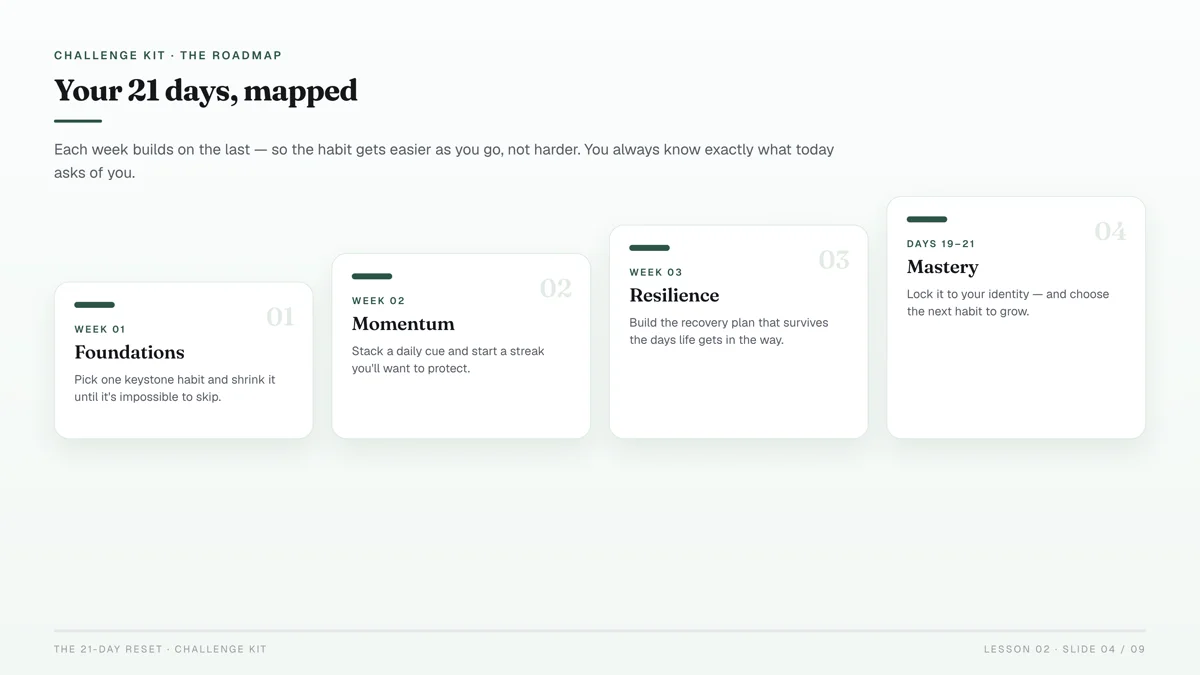
Here's a breakdown of product types ideal for a one-day creation sprint:
| Product Type | Pros | Cons | Best For |
|---|---|---|---|
| Templates | Very high perceived value, easy to customize, quick to create (e.g., Canva, Notion, Excel). | Requires design sense or knowledge of specific software. | Designers, productivity hacks, business tools. |
| Checklists/Worksheets | Extremely simple, direct problem-solving, low barrier to entry for creators. | Can be seen as lower value if not solving a specific, painful problem. | Any niche needing step-by-step guidance, planning, or self-assessment. |
| Presets/Brushes | High demand in specific niches (photography, art), relatively quick to create if you have the skill. | Requires specialized software knowledge (Lightroom, Photoshop, Procreate). Limited audience. | Photographers, digital artists. |
| Simple Ebooks/Guides | Can package existing knowledge quickly, good for authority building, flexible content. | Requires writing skills, needs clear structure to be valuable. | Experts, educators, anyone with niche knowledge to share. |
| Canva Designs | Leverages an accessible tool, high demand, covers many categories (social media, printables, presentations). | Can become saturated, differentiation is key, requires good design principles. | Anyone with basic design skills, social media managers, small businesses. |
| Audio Files (Simple) | Podcasts, meditations, sound effects. Can be quick if content is already outlined. | Requires good audio quality, specific niche demand. | Musicians, meditation coaches, podcasters. |
Niche Down for Speed
The broader your target audience, the harder it is to create something universally appealing in a day. Instead, niche down. Who exactly are you helping? What specific problem are you solving for them?
- Instead of "fitness guide," try "5-minute desk stretches for remote workers."
- Instead of "social media templates," try "Instagram story templates for florists."
- Instead of "productivity planner," try "Notion dashboard for freelance writers."
A narrow niche makes ideation faster, content creation more focused, and marketing clearer. Use tools like Google Trends to quickly gauge interest in specific keywords related to your niche. Look for rising trends or consistent, moderate search volume.
Leveraging AI (Cautiously)
AI tools like ChatGPT can be incredibly helpful for brainstorming, outlining, and even drafting initial content for your digital product.
- Brainstorming: "Give me 10 ideas for a digital product that helps real estate agents save time."
- Outlining: "Create a 5-chapter outline for an ebook on 'Beginner's Guide to Urban Gardening'."
- Drafting: "Write a short introduction for a checklist on 'Preparing Your Home for Sale'."
However, never rely solely on AI for your final product. AI-generated content often lacks nuance, a unique voice, and can sometimes be generic or even inaccurate. Use it as a powerful assistant to accelerate your creation process, but always edit, refine, and infuse your own expertise and personality into the final output. Think of it as a first draft, not a finished masterpiece.
Your Lean Creation Toolkit: Free & Low-Cost Tools
The beauty of digital products is that you don't need expensive software to create them. Many powerful tools are free or have very affordable entry tiers. Your goal for day one is to leverage these efficiently.
How to Use Canva for Speed
Canva is arguably the most powerful tool for rapid digital product creation, especially for visual products.
- Printables: Planners, journals, trackers, coloring pages.
- Templates: Social media posts, presentations, resumes, ebooks.
- Ebook Covers: Professional-looking covers in minutes.
- Worksheets/Checklists: Drag-and-drop elements to build functional documents.
Canva offers thousands of pre-made templates that you can customize in minutes. Start with a template that's close to your vision and tweak colors, fonts, and content to match your brand and specific product. The free tier is incredibly robust for beginners.
When creating a template in Canva that you intend to sell, make sure to design it in a way that the end-user can easily edit it. For example, if selling a social media template, ensure all text and image placeholders are clearly editable. If selling a printable, make sure it's exported as a high-resolution PDF.
Simple Document Creation
For text-heavy products like simple ebooks or guides, you don't need advanced desktop publishing software.
- Google Docs: Free, collaborative, and excellent for writing and basic formatting. You can easily export to PDF.
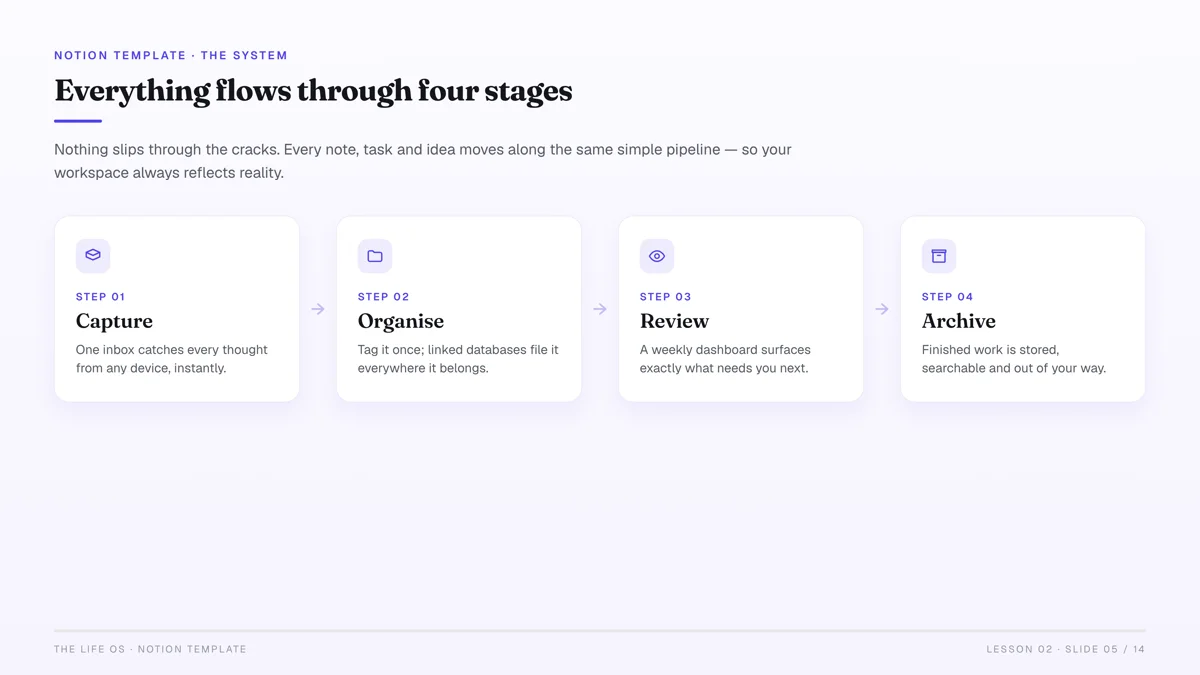
- Notion: While often used for productivity, Notion is also fantastic for creating structured guides, checklists, or even simple "toolkits" that you can share as a read-only link or export to PDF. Its block-based editor makes structuring content very intuitive.
- Google Slides/Canva Presentations: For more visual guides or mini-courses presented slide-by-slide, these are quick and effective. Export as PDF or even a short video.
For image editing beyond what Canva offers, consider Photopea, a free, web-based image editor that closely mimics Photoshop's interface and capabilities. It's excellent for quick touch-ups or creating custom graphics without a subscription.
For audio products, Audacity is a free, open-source audio editor that's perfect for recording and basic editing of voiceovers, meditations, or short podcast episodes.
The 5-Step Rapid Creation Process for Your First Digital Product
This process is designed to get you from idea to launch within 24 hours. Focus on completing each step before moving to the next.
1. Idea Validation: Is There a Need? (1-2 Hours)
Before you create anything, spend a short time validating your idea. This isn't about extensive market research, but a quick check to ensure someone might actually want what you're making.
- Brainstorm 3-5 micro-problems: What small, specific frustrations do people in your niche face?
- Quick search: Type your product idea into Etsy, Pinterest, or Gumroad. Are people already selling similar things? This is a good sign there's demand! It also shows you what's working (and what's not).
- Google Trends check: Plug in keywords related to your product. Is interest stable or growing?
- Choose ONE idea: Pick the simplest idea that solves a clear problem and that you're excited to create.
Don't be afraid if others are selling similar products. This validates the market. Your goal isn't to be unique, but to be better or different in a small, meaningful way (e.g., better design, clearer instructions, a unique niche angle).
2. Minimal Viable Product (MVP) Design & Creation (6-10 Hours)
This is where the bulk of your time will go. Remember the MVP principle: just enough features to be valuable.
- Outline your product: Even for a checklist, outline the key sections or points. For an ebook, a simple chapter outline.
- Gather raw materials: If it's a template, gather your text and any specific images. If it's a guide, start writing or compiling your knowledge.
- Use your chosen tool (Canva, Google Docs, etc.): Focus on getting the core content down. Don't get lost in font choices or intricate design details initially. Prioritize content first, then polish.
- Create the content:
- Templates: Design the core layout, add placeholder text/images, ensure it's easy to customize.
- Ebooks/Guides: Write concise, actionable content. Break it into small, digestible chunks. Use headings, bullet points, and bold text.
- Presets: Apply your settings, test them, and package them correctly (e.g., .xmp files for Lightroom).
- Self-edit for clarity and value: Read through. Is it easy to understand? Does it deliver on its promise? Is there anything confusing?
3. Packaging & Presentation (2-3 Hours)
Once your product is created, you need to make it look professional and appealing.
- Create a captivating cover/mockup: Use Canva to design an attractive cover for your ebook, a visually appealing thumbnail for your template, or a realistic mockup of your printable in use. Tools like "Smartmockups" (many free options) can help you place your design onto a digital screen or a physical product for a professional look.
- Write a compelling product description: Highlight the problem it solves, who it's for, what's included, and the benefits. Use bullet points for easy readability.
- Prepare your files: Ensure your product is in the correct format (e.g., PDF for printables, PNG/JPG for graphics, .xmp for presets, Google Docs/Canva template links). Zip multiple files together if needed.
4. Pricing Strategy (0.5-1 Hour)
Pricing can feel daunting, but for your first product, keep it simple.
- Research competitors: What are similar products selling for on platforms like Etsy or Gumroad?
- Consider your value: What problem does your product solve? How much time/money does it save your customer?
- Start low, but not too low: A common mistake is undervaluing your work. If similar products sell for $15-$25, don't price yours at $2. Aim for a competitive, mid-range price that reflects the value. You can always adjust later.
- Psychological pricing: Prices ending in .99 (e.g., $9.99 instead of $10) can be effective.
5. Choosing Your Sales Platform (1-2 Hours)
This is critical for a one-day launch. You need a platform that's easy to set up and allows immediate sales.
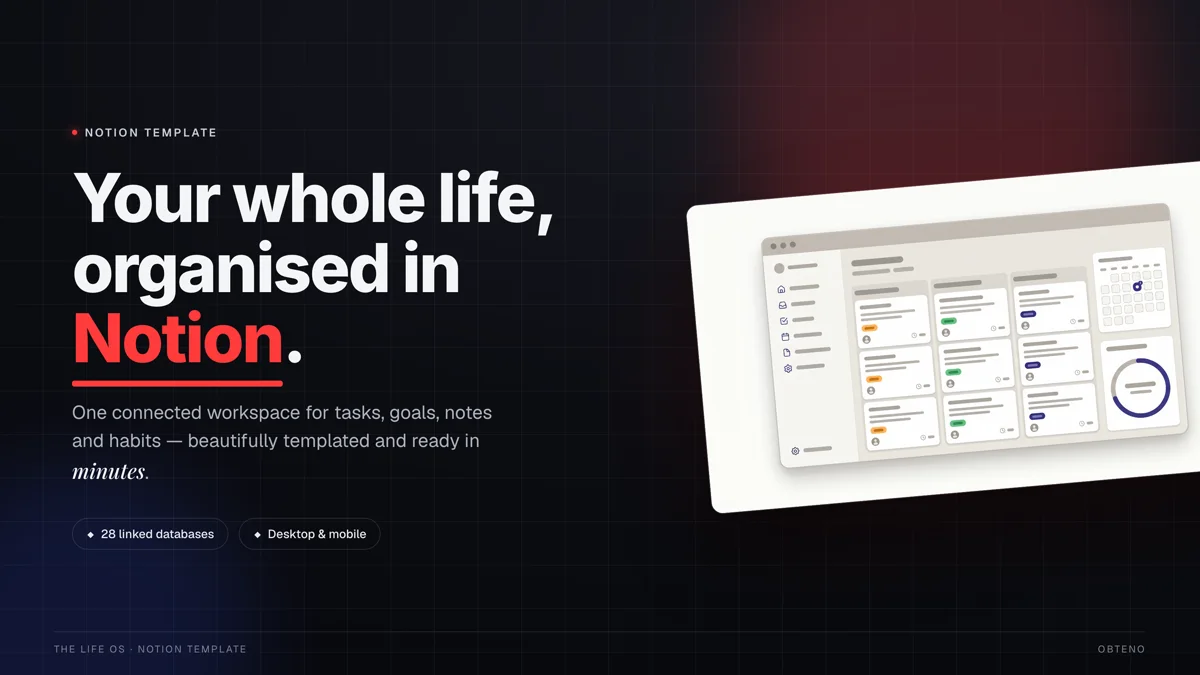
How to Choose the Right Platform to Sell Your Digital Product Today
Selecting the right platform is crucial for a rapid launch. You need something that handles payments, file delivery, and ideally, has a relatively low barrier to entry.
| Platform | Pros | Cons This is likely the most crucial decision. You want a platform that's easy to set up, reliable for payments and delivery, and has reasonable fees.
Gumroad: Simplicity First
Gumroad is an excellent choice for first-time digital product creators due to its incredible simplicity. You can set up a product page, upload your file, and start selling in under an hour.
- Pros: Extremely easy setup, handles payments and file delivery automatically, no monthly fees, instant payouts (after an initial waiting period).
- Cons: Transaction fees (9% + 30¢ per transaction for creators earning under $1,000, decreasing with higher earnings), less customization for storefronts.
- Ideal for: Any individual selling a single product or a small collection. Perfect for ebooks, templates, presets, and simple guides.
Etsy: Built-in Audience for Specific Niches
If your product is visually appealing and caters to a creative or organizational niche (e.g., planners, journal templates, digital art, social media templates), Etsy can be a powerful channel.
- Pros: Huge built-in audience actively searching for digital products, easy listing process, trusted marketplace.
- Cons: Listing fees ($0.20 per listing, renewed every 4 months), transaction fees (6.5% of the sale price), payment processing fees (3% + $0.25 per transaction), competitive market.
- Ideal for: Printables, digital art, planners, journal inserts, social media templates, wedding invitations.
Obteno: what it builds, and where you sell it
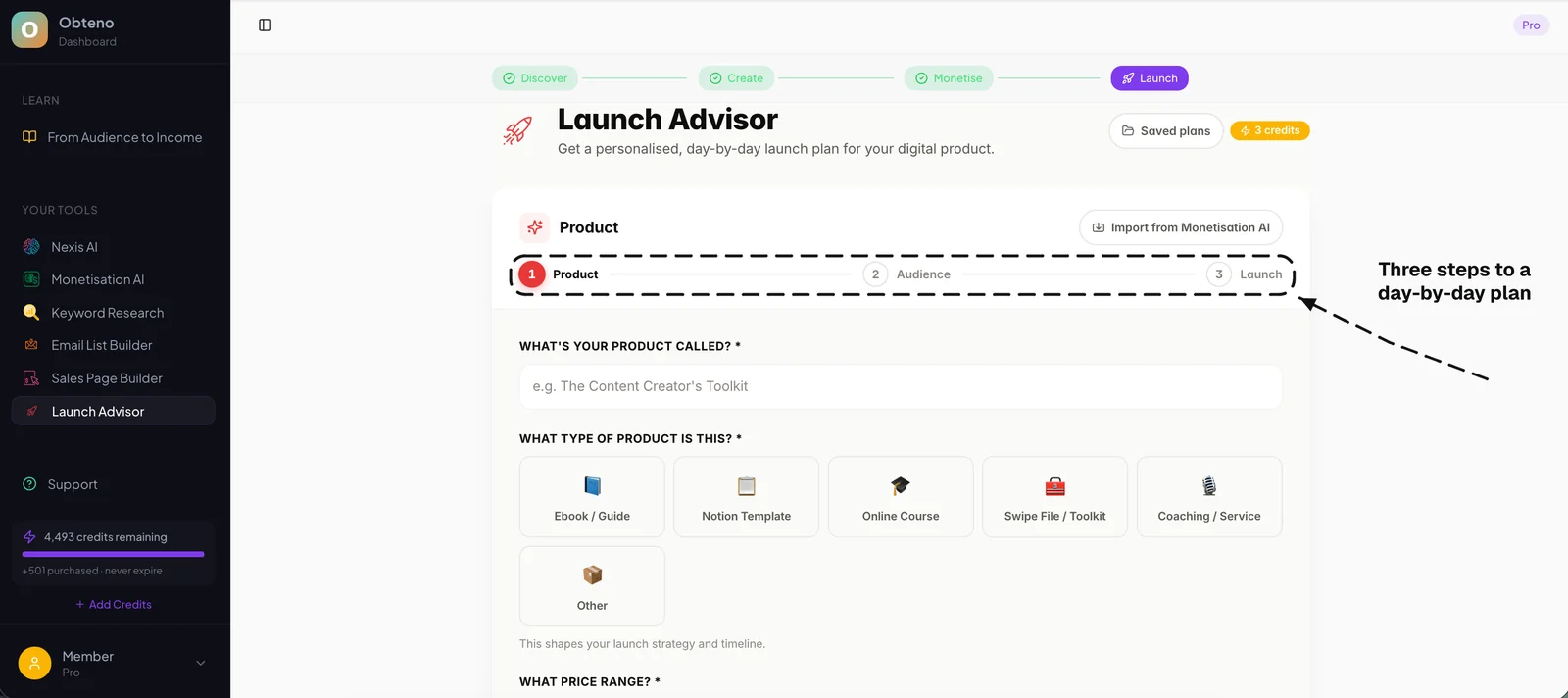
As the founder of Obteno, I should be straight about what it is and isn't. It builds the product — it finds a niche from real search data, writes the ebook or template pack, designs the cover, packages the files, then writes your sales copy and the listing fields you paste in. It is not a shop. It doesn't take the payment or send the file; you still sell on Gumroad, Etsy, Whop, Lemon Squeezy or your own site.
- Pros: Does the part most people get stuck on — picking something people search for, then actually writing and packaging it. You finish with files you can list the same day.
- Cons: A subscription, not a per-sale cut — $39, $69 or $99 a month after a 14-day trial, and the trial asks for a card. You also still need one of the platforms above to take the money.
- Ideal for: Creators who know roughly what they want to sell but stall on making it, and who plan to build more than one product.
Shopify Lite / Basic: For More Control (If You Have Time)
While more involved than Gumroad or Etsy for a one-day launch, if you already have a Shopify account or are comfortable with e-commerce, Shopify Lite ($9/month) allows you to add a "Buy Button" to an existing website, or Shopify Basic ($39/month) lets you build a full storefront. This offers maximum control and branding.
- Pros: Full control over branding, powerful e-commerce features, scalability.
- Cons: Monthly fees, more setup required than Gumroad/Etsy, no built-in audience.
- Ideal for: Creators who already have a website or are planning a more robust long-term e-commerce store.
For your one-day goal, Gumroad or Etsy are generally the fastest paths to your first sale. Choose the one that best fits your product type and comfort level.
Launching Your Product: The First Sale in 24 Hours
Once you've chosen your platform, the final step is to get your product listed and make it discoverable. For a one-day launch, we're focusing on immediate, direct methods, not complex marketing funnels.
Setting Up Your Product Page
- Upload your files: Make sure they're correctly formatted and accessible.
- Craft your product title: Clear, keyword-rich, and descriptive.
- Write your description: Reiterate the problem it solves, benefits, features, and what's included. Use bullet points and clear formatting.
- Add compelling visuals: Your cover/mockups, and ideally 3-5 additional images showing the product in use or highlighting key features.
- Set your price: Based on your earlier research.
- Publish: Hit that "publish" button! Your product is now live.
Your First "Marketing" Step
You don't need a massive marketing budget or an email list of thousands to make your first sale. For day one, focus on direct reach:
- Tell your immediate network: Share the link with friends, family, and colleagues who might genuinely benefit from your product. A personal recommendation is incredibly powerful.
- One social media post: Choose one platform where you have some presence (e.g., Instagram, Facebook, LinkedIn, X). Write a heartfelt post announcing your new product. Explain why you created it and who it's for. Include a direct link to your product page.
- Relevant online communities (with permission): If you're part of a niche Facebook group or forum where self-promotion is allowed (or you can frame it as solving a problem), share your product. Always check group rules first to avoid spamming.
The goal isn't to get hundreds of sales on day one, but to get any sale. That first sale is a powerful motivator and proof that your idea has merit.
Beyond Day One: What's Next for Your Digital Product Business?
Congratulations! You've successfully created and launched a digital product in a single day. This is a massive achievement. But the journey doesn't end here; it only begins.
Gathering Feedback & Iteration
Your first product is your learning laboratory.
- Ask for feedback: Reach out to early customers (especially friends/family) and ask what they loved, what they found confusing, and what they wish it had.
- Monitor reviews: Pay close attention to reviews on your chosen platform.
- Iterate: Use this feedback to improve your product. Maybe it needs clearer instructions, a bonus template, or a slightly different design. Digital products are easy to update! Just upload a new file.
Expanding Your Product Line
Once you have one successful product, think about related items.
- Bundle existing products: Offer a "starter pack" with your first product and a few complementary items.
- Create variations: If you made a daily planner, perhaps a weekly or monthly version.
- Solve the next problem: What's the next logical problem your current customers face that you could solve with another simple digital product?
Building a successful digital product business is a marathon, not a sprint. But by taking that crucial first step and launching quickly, you've gained invaluable experience and momentum. You've proven to yourself that you can turn an idea into a tangible, sellable asset. Now, keep learning, keep creating, and keep growing.
Frequently Asked Questions
What's the easiest digital product for a beginner to create?
The easiest digital products for beginners are typically templates (Canva, Notion, social media), checklists, simple guides/mini-ebooks, or printables. These leverage readily available tools and can be created quickly with existing knowledge.
How much does it cost to create a digital product?
It can cost virtually nothing! Many powerful creation tools like Canva (free tier), Google Docs, and Notion are free. Selling platforms like Gumroad have no upfront fees, only taking a percentage of sales. Your main investment is your time and effort.
Can I really make money selling digital products?
Yes, absolutely. The digital product market is vast and growing, with creators making passive income from various niches. Success depends on creating value, reaching the right audience, and continuous iteration, but the potential for significant earnings is real.
How do I protect my digital product from being copied?
While no digital product is 100% immune to copying, you can take steps. For PDFs, consider password protection or disabling printing/copying (though this can frustrate users). For templates, provide a unique link rather than a direct file. Most importantly, focus on building a brand and community around your unique value, which is harder to replicate than a product itself.
Do I need a website to sell digital products?
No, you don't need your own website to start. Platforms like Gumroad and Etsy let you create a product page and take payments, so they act as your storefront. Obteno is not one of those — it builds the product and writes the listing, then you paste that into wherever you sell.
How long does it take to get my first sale?
This varies widely. Some creators make a sale within hours of launching, especially if they promote to their existing network. For others, it might take a few days or weeks as their product gains visibility on marketplaces or through basic marketing efforts. The key is to launch and learn.