
The dream of selling a digital product often feels like scaling Everest in flip-flops: exciting, but utterly overwhelming. You're not alone. The digital product market is growing fast, yet most aspiring creators never make their first sale. They get stuck on "what to create," "where to sell," or "how to get noticed."
But what if you had a clear, actionable roadmap — a step-by-step guide designed specifically for the absolute beginner looking to make that pivotal first sale in 2026? This isn't about overnight riches, but about laying a rock-solid foundation for sustainable online income. By the end of this guide, you'll have a proven blueprint to navigate the complexities, avoid common pitfalls, and confidently launch your first digital product.
Why Bother Selling Digital Products in 2026?
The digital age has democratized entrepreneurship, and digital products sit at its forefront. Unlike physical goods, they require no inventory, shipping, or storage. Once created, they can be sold an infinite number of times, generating what's often called "passive income" – though "leveraged income" is a more accurate term, as it still requires initial effort and ongoing optimization.
The appeal is clear:
- Low Barrier to Entry: You don't need a massive budget. Many successful digital products are created with free or low-cost tools.
- High-Profit Margins: With no manufacturing costs per unit, nearly every sale is pure profit after platform fees.
- Global Reach: Your product can be purchased by anyone, anywhere, at any time, expanding your potential customer base exponentially.
- Flexibility: Create on your own schedule, from anywhere with an internet connection. It’s ideal for side hustles or full-time ventures.
- Scalability: Once your system is in place, you can scale sales without a proportional increase in effort.
In 2026, the demand for digital education, tools, and creative assets continues to surge. From templates for social media to comprehensive online courses, people are actively seeking digital solutions to improve their lives, work, and hobbies. This creates a fertile ground for new creators to enter the market.
What Kind of Digital Product Should I Create?
This is where most beginners get stuck. The best digital products solve a specific problem or fulfill a desire for a particular audience. Don't start with the product; start with the pain.
Identifying Your Niche and Their Pain Points
Before you create anything, answer these questions:
- Who are you trying to help? (Be specific: "busy moms," "freelance designers," "small business owners struggling with social media").
- What problem do they have that you can solve? (Time management, lack of design skills, inconsistent marketing).
- What existing knowledge or skills do you possess that can address this problem? (Are you good at organizing, designing, writing, explaining complex topics simply?)
Don't try to solve a problem for "everyone." The more specific your audience and their pain, the easier it is to create a tailored solution and market it effectively. Start with an audience you understand or are part of.
Popular & Profitable Digital Product Categories for Beginners
Here's a breakdown of common types, their pros, and cons:
| Product Type | Pros | Cons | Effort Level (1-5) | Example |
|---|---|---|---|---|
| Templates | Quick to create, high demand, versatile | Can be easily replicated by others | 2 | Canva social media templates, Notion planners |
| Ebooks/Guides | Deep value, good for expertise, accessible | Requires strong writing/research, editing | 3 | "Beginner's Guide to SEO for Etsy Sellers" |
| Printables | Simple to design, low barrier to entry | Lower price point, competitive market | 1 | Budget trackers, chore charts, digital stickers |
| Presets/Brushes | Niche appeal, high perceived value | Requires specific software skills | 3 | Lightroom presets, Procreate brushes |
| Online Courses | High revenue potential, deep impact | Significant time investment, marketing heavy | 5 | "Mastering Digital Illustration in 30 Days" |
| Workbooks/Cheatsheets | Action-oriented, immediate value | Can be perceived as less "complete" | 2 | Content calendar workbook, client onboarding checklist |
For your first sale, I strongly recommend starting with a product that has a lower effort level (1-3) and clear, immediate value. Templates, printables, and short guides are excellent choices. They allow you to learn the process of creation, launch, and sales without getting bogged down in a massive project.
Crafting Your Irresistible Digital Product
Once you've identified your niche and product type, it's time to build. Remember the MVP principle: focus on core functionality and value, not every possible feature.
Step 1: Outline Your Product's Core Value
What specific transformation or solution does your product offer?
- For a template: "Saves 2 hours of design time per week for social media managers."
- For an ebook: "Helps beginners launch their first Etsy shop in 7 days."
- For a printable: "Simplifies daily meal planning for busy families."
This core value will guide your creation and your marketing message.
Step 2: Choose Your Creation Tools
The tools you use will depend heavily on your product type and your comfort level.
- For Templates/Printables: Canva (free and paid versions), Adobe Creative Suite (Photoshop, Illustrator), Google Docs/Sheets.
- For Ebooks/Guides: Google Docs, Microsoft Word, Notion, Canva.
- For Presets/Brushes: Adobe Lightroom, Procreate, Photoshop.
- For Courses: Screen recording software (OBS Studio, Loom), video editing (DaVinci Resolve, CapCut), presentation software (Google Slides, PowerPoint).
Don't overspend on tools for your first product. Start with free or low-cost options and upgrade only when your revenue justifies it. Canva is incredibly powerful for almost any visual digital product.
Step 3: Design and Develop
Focus on clarity, aesthetics, and user-friendliness.
- Consistency: Use consistent branding (colors, fonts) if you have them.
- Clarity: Ensure instructions are clear, templates are easy to edit, and content is easy to read.
- Quality: Proofread everything. Test your templates. Ensure files are correctly formatted and high resolution.
- File Formats: Deliver in universally accessible formats (PDF for printables/ebooks, JPG/PNG for graphics, editable template links where appropriate).
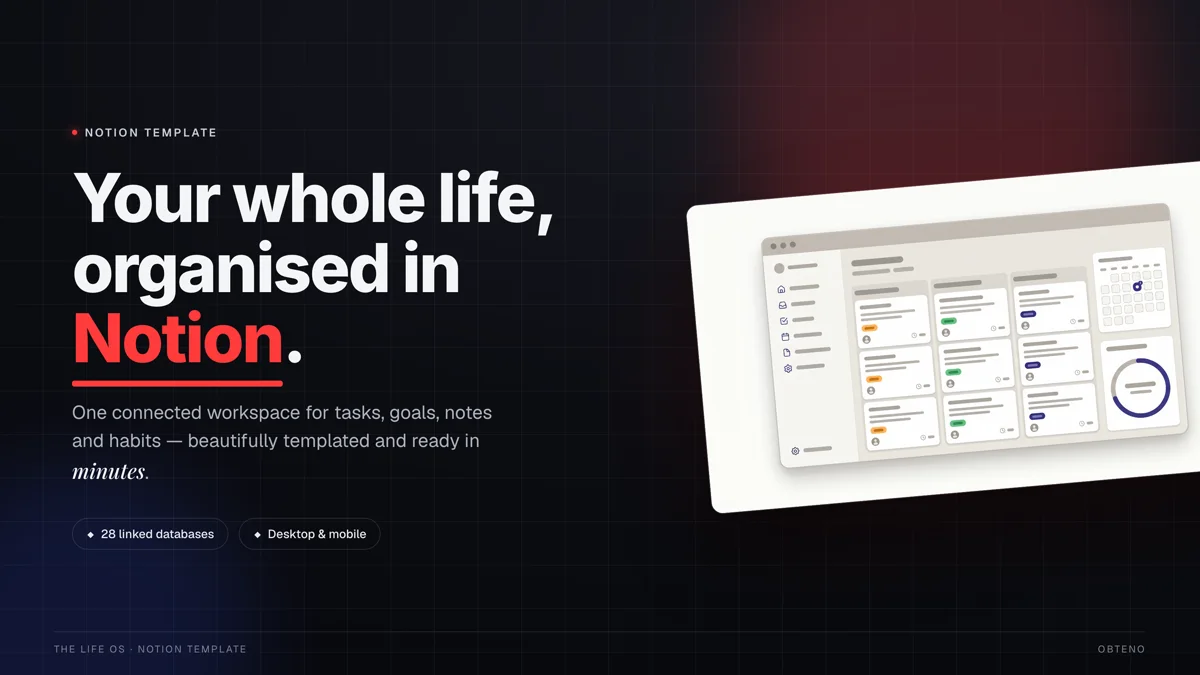
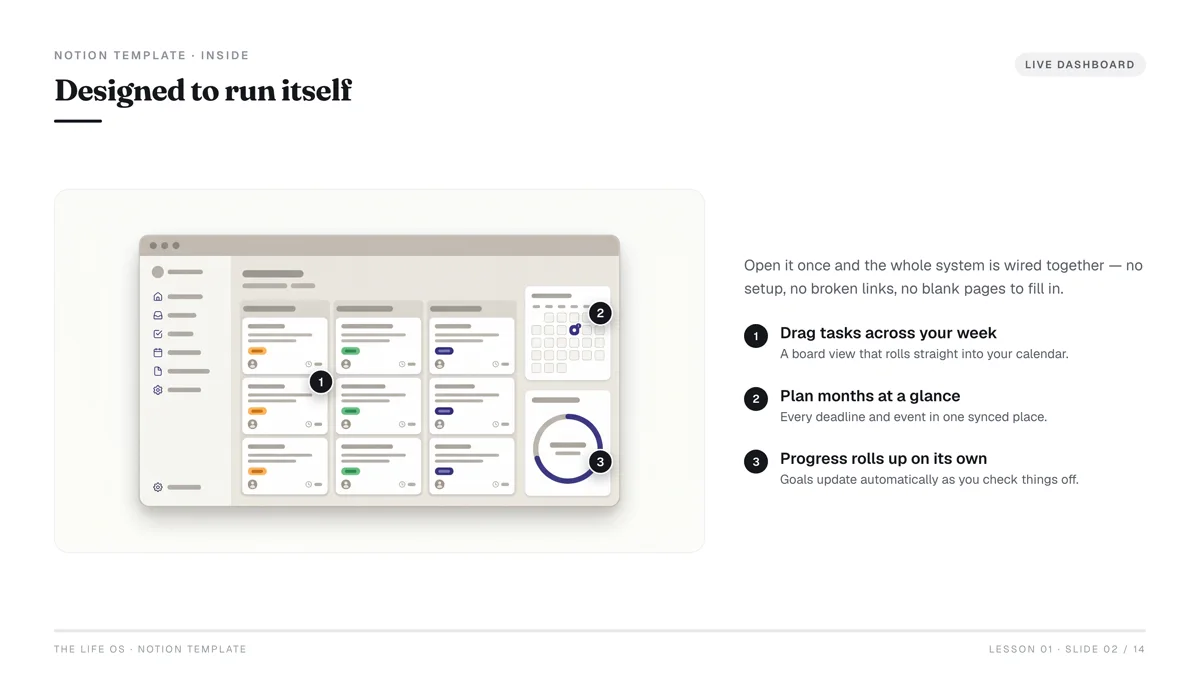
Obteno builds template packs and content-heavy products end to end: the pages, the cover, the packaged files and the listing copy.
Step 4: Add Value with Bonuses (Optional, but Recommended)
A small bonus can significantly increase the perceived value of your product.
- A checklist to go with an ebook.
- A mini-template pack with a larger template.
- A quick-start guide for a more complex product.
Choosing the Right Platform for Your First Sale
Where you sell your digital product is almost as important as the product itself. For beginners, leveraging established marketplaces is often the smartest move, as they handle the technical heavy lifting (payment processing, file delivery, customer accounts) and often bring existing traffic.
Digital Product Marketplaces Comparison
| Platform | Best For | Pros | Cons | Fees |
|---|---|---|---|---|
| Etsy | Printables, templates, digital art, planners | Huge existing audience for creative goods | High competition, niche-specific, transaction fees on every item | Listing fee ($0.20/item), 6.5% transaction fee, payment processing fee (varies) Source |
| Gumroad | Ebooks, courses, software, memberships | Very creator-friendly, simple setup, robust features | Less built-in discovery/traffic than Etsy | 10% per transaction (free tier), lower tiers for paid plans Source |
| Shopify | Large product catalogs, advanced branding | Full control, powerful e-commerce features | Higher monthly cost, requires driving own traffic | Monthly subscription ($29-$299+), 2.9% + $0.30 transaction fee (if not using Shopify Payments) Source |
| Payhip | Ebooks, courses, memberships | Easy setup, affordable, good for digital downloads | Smaller community than Etsy, basic design options | 5% transaction fee (free plan), lower tiers for paid plans |
Recommendation for Beginners
For your very first digital product sale:
- Etsy: If your product is highly visual, creative, or template-based (e.g., planners, social media templates, digital art). The built-in audience is a huge advantage for getting initial sales and feedback.
- Gumroad: If your product is more informational (ebooks, guides, presets, simple courses) and you want a clean, simple storefront with excellent file delivery. It's fantastic for direct sales and building an email list.
Avoid building your own website with complex e-commerce integrations for your first sale. Focus on getting a product out and validated.
Pricing Your Product for Profit and Perception
Pricing is a blend of art and science. You want to reflect value, cover your effort, and be competitive, without underselling yourself or scaring off customers.
Step 1: Research Competitor Pricing
Look at similar products on your chosen platform. What are they charging?
- Are there premium options?
- Are there budget options?
- What features justify higher prices?
This gives you a baseline, but don't just copy.
Step 2: Calculate Your "Value"
Instead of calculating your hourly rate for creation (which is often misleading for digital products), consider:
- Problem solved: How much time, money, or frustration does your product save the customer?
- Transformation offered: What is the desired outcome, and how valuable is that to them?
- Uniqueness: Does your product offer something truly distinct?
Step 3: Choose a Pricing Strategy
- Introductory Price: Launch at a slightly lower price to attract early buyers and gather initial reviews. You can increase it later.
- Value-Based Pricing: Price based on the perceived value to the customer, not just your effort.
- Tiered Pricing: Offer a basic version and a "pro" or "bundle" version with more features or bonuses at a higher price. This caters to different budget levels.
Start slightly higher than you think, and offer a discount. It's easier to drop a price than to raise it once sales have begun. For instance, "Regularly $27, launch special $19."
Example Pricing Scenario:
Let's say you've created a pack of 10 Canva social media templates for small business owners.
- Competitor Research: Similar packs range from $15 to $45.
- Value: Saves a small business owner 5-10 hours of design time per month, enabling them to post consistently and look professional. This is easily worth $100+ in their time/potential revenue.
- Strategy: Set a regular price of $37. Offer a launch special at $27 for the first week.
Remember to factor in platform fees. If your product is $27 on Etsy, after their 6.5% transaction fee and $0.20 listing fee, you'll net closer to $25.
How Do I Get My First Customer?
You've built it, you've listed it, now how do you get someone to click "buy"? Marketing for your first sale doesn't need to be complex. It needs to be targeted and authentic.
Step 1: Optimize Your Product Listing
This is crucial, especially on marketplaces.
- Compelling Title: Include keywords your audience is searching for. (e.g., "Minimalist Digital Planner for Notion | Undated Daily Weekly Monthly Planner | Aesthetic Productivity Template")
- High-Quality Mockups/Images: Show your product in action. Use lifestyle shots if applicable. For templates, show before/after or customization options. [Canva has great mockup templates.]
- Clear Description:
- Start with the problem it solves and the benefit.
- List features and what's included.
- Explain who it's for.
- Include clear instructions on how to use/access.
- Add a call to action.
- Relevant Tags/Keywords: Use all available tag fields on platforms like Etsy to maximize discoverability. Think like your customer: what would they type into the search bar?
Step 2: Leverage Your Existing Network (Warm Audience)
Your first customers are often the easiest to find because they already know and trust you.
- Personal Social Media: Announce your launch on your personal Facebook, Instagram, or LinkedIn profiles. Don't be salesy; share your excitement and the problem your product solves.
- Email Your Friends & Family: Send a personal email. Ask for their support, a share, or even a purchase if it's relevant to them.
- Relevant Online Communities: If you're part of Facebook groups, Reddit communities, or forums related to your niche, share your product if allowed and if it genuinely adds value. Always check group rules first to avoid spamming.
Step 3: Targeted Outreach & Content (Cold Audience)
Once you've tapped your warm audience, expand strategically.
For Etsy Sellers:
- Etsy Ads (Optional): Consider a small budget ($5-10/day) for Etsy Ads once you have a few sales and positive reviews. Target specific keywords.
- Pinterest: Create beautiful pins linking directly to your Etsy listing. Pinterest is a visual search engine, perfect for driving traffic to digital products like planners, templates, and printables.
For Gumroad Sellers:
- Micro-Content on Social Media: Create short-form videos (TikTok, Instagram Reels) or carousels that demonstrate your product's value or teach a related mini-lesson, then direct people to your Gumroad link in your bio.
- Guest Posting/Collaboration: Offer to write a guest post for a blog in your niche, linking back to your product. Collaborate with other creators.
- Build an Email List: Even before your first sale, start collecting emails from interested potential customers. Gumroad allows you to collect emails easily. Your email list is your most valuable asset for future sales.
- Pick 1-2 Channels: Don't try to be everywhere. Focus your efforts on the platforms where your target audience is most active and where you feel most comfortable creating content.
- Provide Value First: Whether it's a social media post, a blog article, or an email, aim to educate or entertain before you sell. Build trust.
- Direct Call to Action: Make it clear what you want people to do ("Click here to get your template," "Download the guide now").
Scaling Up and Sustaining Momentum
Your first sale is a huge milestone, but it's just the beginning. To build a sustainable digital product business, you need to think about growth.
1. Collect and Implement Feedback
- Ask for Reviews: Positive reviews are social proof that drives more sales. Ask customers to leave a review after purchase.
- Monitor Questions: Pay attention to common questions customers ask. Does your product description need more clarity? Is there a feature missing?
- Iterate and Improve: Use feedback to update your product, create new versions, or identify ideas for your next product.
2. Expand Your Product Line
Once you have one successful product, think about complementary offerings:
- Bundles: Combine existing products into a higher-value package.
- Upsells/Downsells: Offer a more advanced version (upsell) or a simpler, cheaper version (downsell) to cater to different segments.
- Related Products: If your first product was a digital planner, perhaps your next is a pack of digital stickers or a guide to time management.
3. Diversify Your Traffic Sources
While marketplaces are great for initial sales, relying solely on them can be risky.
- Start an Email List: This is your most direct line to your audience, independent of any platform's algorithm changes.
- Build a Presence on 1-2 Social Media Platforms: Consistently share valuable content related to your niche, driving traffic back to your products.
- Consider a Simple Website/Landing Page: As you grow, a dedicated space for your brand can increase professionalism and control.
4. Automate Where Possible
- Automated Email Sequences: Use your chosen platform's email features (e.g., Gumroad's email sequences) to send welcome emails, thank you notes, and follow-up offers.
- Social Media Scheduling: Tools like Buffer or Later can help you plan and schedule your content in advance.
The journey from your first sale to a thriving business is a marathon, not a sprint. Celebrate every milestone, stay curious, and always prioritize serving your audience.
Frequently Asked Questions
What's the best digital product for a complete beginner to start with?
For a complete beginner, starting with printables, simple templates (e.g., social media, Notion), or a short ebook/guide is often best. They have a lower barrier to entry in terms of creation time and technical skill, allowing you to learn the entire selling process without getting overwhelmed.
How much money can I realistically make from my first digital product?
Earnings vary widely based on product type, niche, pricing, and marketing effort. Most beginners will see more modest results initially. Aim for your first sale, then your first $100, then scale from there. Consistency and quality are key to long-term growth.
Do I need a website to sell digital products?
No, you do not need your own website to make your first digital product sale. Marketplaces like Etsy, Gumroad, and Payhip provide all the necessary infrastructure for listing, selling, and delivering your products, allowing you to focus purely on creation and promotion.
How do I protect my digital product from being copied?
While complete prevention is impossible online, you can take steps like including copyright notices within your product, using watermarks on preview images, and choosing platforms with good terms of service. Most importantly, focus on consistently providing unique value and building a brand that customers trust, making replication less appealing.
What are the most common mistakes beginners make?
The most common mistakes include trying to create a "perfect" product before launching, not validating product ideas with an audience, neglecting product descriptions and SEO, underestimating the need for promotion, and giving up too soon if initial sales are slow. Start simple, launch fast, and iterate based on feedback.
How long does it take to create a digital product?
The time it takes to create a digital product varies significantly. A simple printable or template might take a few hours to a day, while a comprehensive ebook could take weeks, and an online course several months. For your first product, aim for something you can create and launch within 1-2 weeks to get momentum.