
Why Digital Products Are Your Smartest Path to Online Income in 2026
Imagine waking up to sales notifications, knowing your work continues to generate income even while you sleep. That’s the promise of digital products, and it's not a pipe dream. In an economy where flexibility and additional income streams are more vital than ever, the digital products market is booming, a testament to the insatiable demand for digital content, tools, and knowledge. This isn't just about selling; it's about creating value once and delivering it infinitely, without inventory, shipping, or storage headaches.
For beginners, the appeal is clear:
- Low Startup Costs: No physical inventory, no manufacturing. You just need your creativity and some affordable software.
- High-Profit Margins: Once created, every sale is almost pure profit.
- Scalability: Sell one or a million; the delivery process is the same.
- Flexibility: Work from anywhere, anytime, on your own terms.
The challenge for many aspiring entrepreneurs is often paralysis by analysis. With so many options, what’s the best place to start? What product should you create? This guide cuts through the noise to give you a clear, actionable roadmap for making your first digital product sale in 2026.
What Digital Products Should a Beginner Sell in 2026?
The key for beginners is to choose products that are relatively simple to create, require minimal specialized skills, and have a clear demand. Here are the top contenders:
Printables (Planners, Trackers, Journals, Wall Art)
Printables are digital files that customers download and print themselves. They are incredibly popular on platforms like Etsy.
- Why they're great for beginners:
- Low Barrier to Entry: You don't need advanced design skills. Tools like Canva make it easy.
- High Demand: People constantly seek ways to organize their lives, track goals, decorate their homes, or engage in hobbies.
- Evergreen Potential: Many niches (e.g., fitness, finance, productivity, weddings) have consistent demand.
- Examples:
- Digital Planners: Daily, weekly, monthly planners, academic planners, budget planners.
- Trackers: Habit trackers, expense trackers, reading logs, workout logs.
- Journals: Gratitude journals, self-care journals, prompt journals.
- Wall Art: Inspirational quotes, minimalist designs, seasonal decor.
- Creation Tools: Canva, Adobe Illustrator (for more advanced designs), Procreate (for hand-drawn elements).
- What to focus on: Solving a specific organizational problem. Think about niches: "Wedding Planner Checklist for Brides," "Student Budget Tracker," "Meal Prep Planner for Busy Moms."
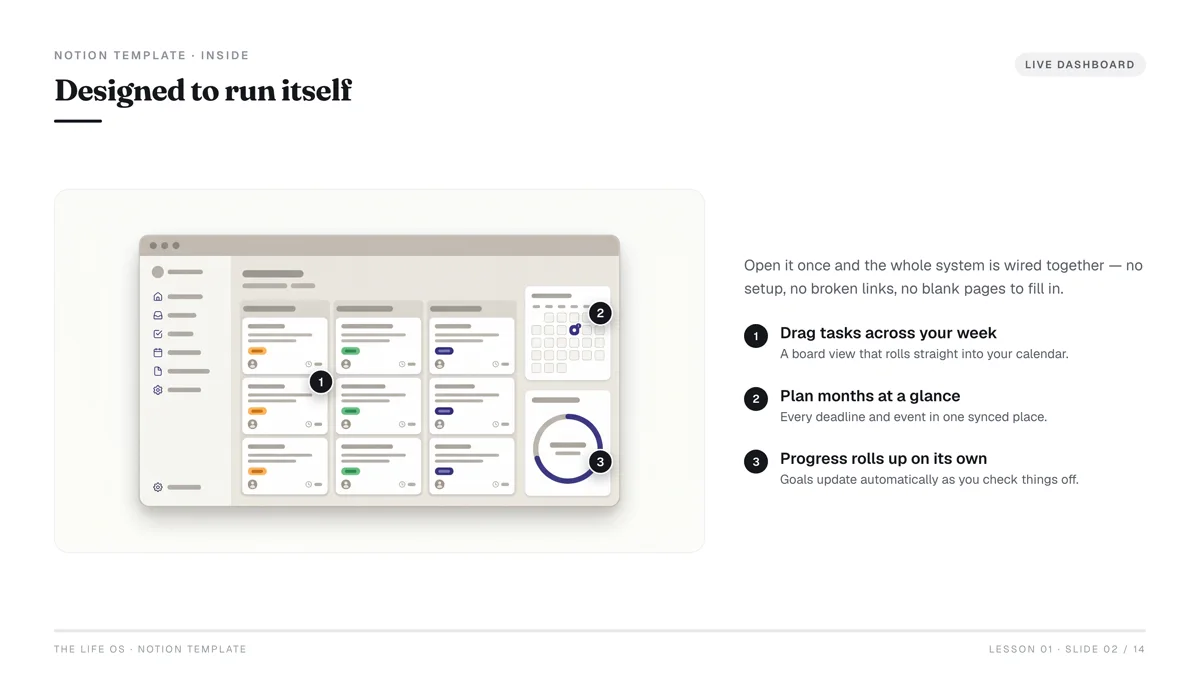
Templates (Canva, Notion, Resume, Social Media)
Templates provide a pre-designed structure that users can easily customize. This saves them time and effort.
- Why they're great for beginners:
- Solves a Time Problem: Users pay for convenience and professional design without needing to create it from scratch.
- High Perceived Value: A well-designed template can elevate a user's professional appearance or workflow.
- Diverse Applications: From business to personal use, templates are ubiquitous.
- Examples:
- Canva Templates: Social media post templates (Instagram, Pinterest), presentation templates, ebook cover templates.
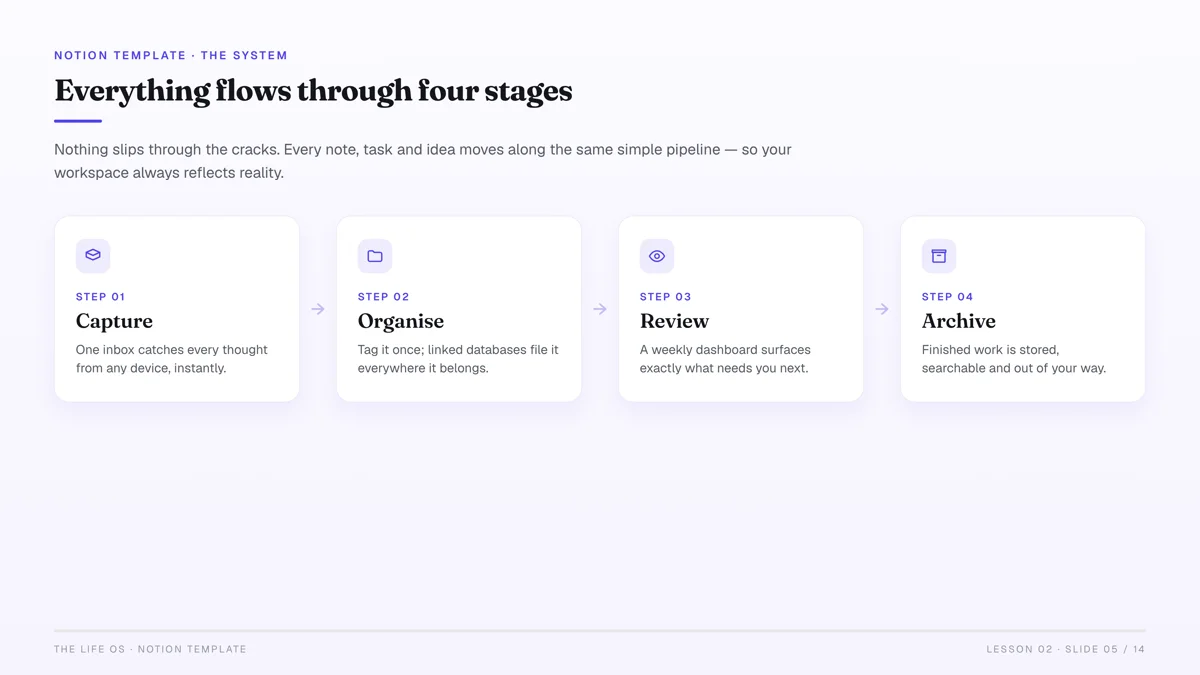
- Notion Templates: Productivity dashboards, content calendars, project management systems.
- Resume/CV Templates: Professional, modern, industry-specific designs.
- Email Marketing Templates: Newsletter templates for small businesses.
- Creation Tools: Canva, Notion, Google Docs/Microsoft Word, Adobe InDesign.
- What to focus on: Identifying common design or organizational tasks that people struggle with or spend too much time on.
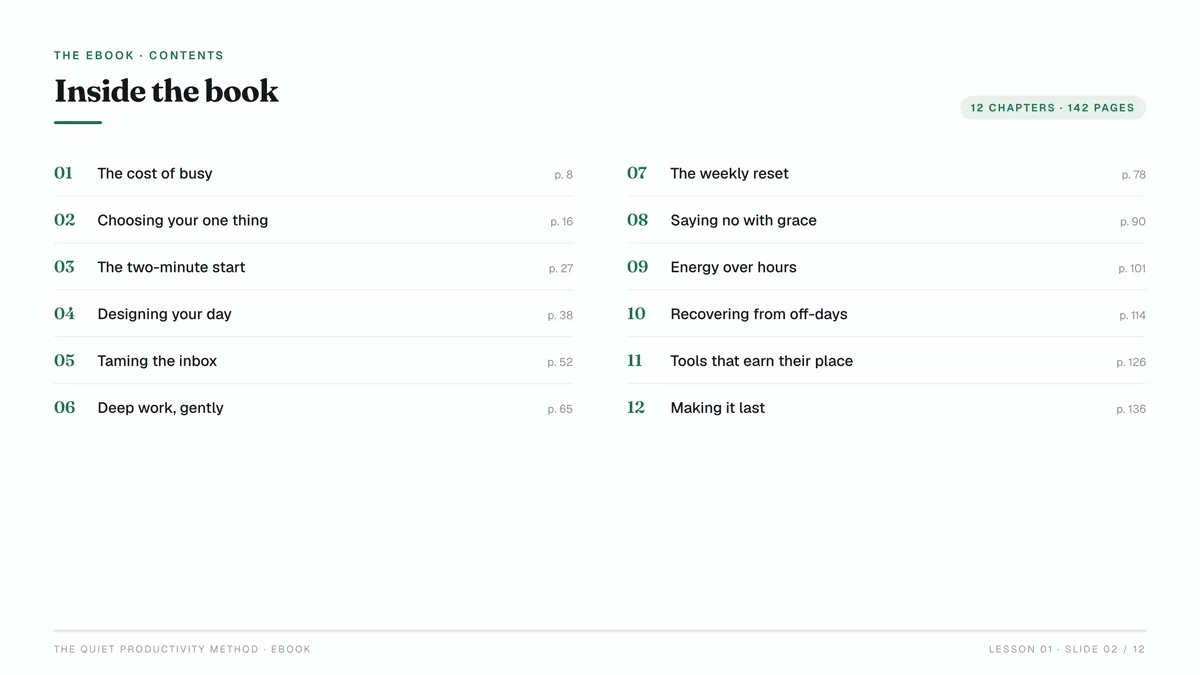
Short Ebooks or Guides
These are concise, actionable digital books that teach a specific skill or solve a particular problem. Think "micro-courses" in written form.
- Why they're great for beginners:
- Leverage Your Knowledge: Everyone is an expert in something. Share your unique insights.
- High Value: Information that directly solves a problem is highly valued.
- Relatively Quick to Create: Unlike a full-length book, a short guide can be 20-50 pages.
- Examples:
- "5 Steps to Declutter Your Digital Life"
- "Beginner's Guide to Starting an Indoor Herb Garden"
- "Quick-Start Guide to Pinterest SEO for Etsy Sellers"
- "Mastering Your DSLR Camera in 7 Days"
- Creation Tools: Google Docs, Microsoft Word, Canva (for design and layout), Scrivener (for longer projects).
- What to focus on: Providing a clear, step-by-step solution to a specific pain point. Avoid general topics; get specific.
Digital Art & Stickers
For those with artistic flair, creating digital art, illustrations, or stickers can be a profitable venture.
- Why they're great for beginners:
- Creative Outlet: Combines passion with potential income.
- Versatile: Can be sold as standalone art, sticker packs, or elements for other digital products.
- High Demand for Customization: People love unique digital assets for their journals, social media, or personal projects.
- Examples:
- Sticker Packs: For digital planners (GoodNotes, Notability), WhatsApp, Telegram.
- Illustrations: Clip art bundles, character designs, aesthetic backgrounds.
- Procreate Brushes: Custom brushes for digital artists.
- Creation Tools: Procreate (iPad), Adobe Photoshop, Adobe Illustrator, Affinity Designer.
- What to focus on: Developing a unique style or catering to a specific aesthetic (e.g., kawaii, minimalist, vintage).
| Digital Product Type | Pros for Beginners | Cons for Beginners | Example Niche |
|---|---|---|---|
| Printables | Easy to create with basic tools, high demand, evergreen. | Can be saturated, requires good keyword research. | Budget planners for college students |
| Templates | High perceived value, solves specific time/design problems. | Requires some design sense, need to stay updated on platforms (Canva, Notion). | Social media post templates for small businesses |
| Short Ebooks/Guides | Leverage existing knowledge, high profit margin, establish authority. | Requires writing skills, market research for demand. | "Beginner's Guide to Ethical Pet Adoption" |
| Digital Art/Stickers | Creative outlet, unique offerings, strong visual appeal. | Requires artistic skill/software, can be subjective. | Kawaii planner stickers for journaling |
How Do I Choose the Right Niche and Product Idea?
This is where many beginners stumble. Don't just pick a product because it sounds cool. Your niche and idea must meet real market demand.
- Start with Your Interests & Skills: What are you genuinely passionate about? What problems have you solved for yourself or others? Your enthusiasm will shine through, and deep knowledge is a huge asset.
- Identify Pain Points: What frustrations do people have? What common problems do they struggle to solve? Your product should be a solution.
- Example: People struggle to manage their finances. Pain point: Budgeting is confusing. Solution: A simple, pre-filled budget planner template.
- Validate Demand (Crucial Step):
- Keyword Research: Use tools like Google Keyword Planner (free), Ahrefs, or Semrush to see what people are searching for.
- Marketplace Research: Browse Etsy, Gumroad, Creative Market. What are top sellers in your potential niche? What are their reviews saying (both positive and negative)?
- Google Trends: Check trends.google.com to see if interest in your topic is growing, stable, or declining. Look for related searches.
- Social Media: What questions are people asking in Facebook groups, Reddit communities, or on TikTok related to your topic?
- Analyze Competition: Don't be scared of competition; it validates demand. Instead, look for gaps.
- What are competitors not offering?
- Can you offer a better design, more comprehensive information, a unique angle, or a lower price point for comparable value?
- Example: If there are many generic productivity planners, can you create one specifically for remote workers, or students with ADHD?
Don't chase trends just because they're popular. While trendy products can lead to quick sales, evergreen products that solve fundamental problems (like organization, learning, self-improvement) offer more sustainable long-term income.
How Do I Create My First Digital Product (Without Being a Tech Wiz)?
The good news is you don't need to be a coding wizard or a graphic design guru. Many user-friendly tools exist.
- Outline Your Product:
- For Printables/Templates: Sketch out the layout, content sections, and flow. What information needs to be included? What's the user experience?
- For Ebooks/Guides: Create a detailed outline of chapters, key points, and actionable steps.
- Choose Your Tools:
- Canva (canva.com): The go-to for beginners. Excellent for printables, social media templates, simple ebooks, and presentations. It has a massive library of templates, fonts, and graphics.
- Google Docs/Microsoft Word: Perfect for writing ebooks or text-heavy guides.
- Notion (notion.com): For creating interactive templates for productivity, project management, or content calendars.
- Procreate (iPad): For digital art, illustrations, and unique hand-drawn elements for printables or stickers.
- Adobe Suite (Illustrator, Photoshop, InDesign): If you're ready for more advanced design, but not necessary for a first product.
- Design and Create:
- Keep it Simple & Clean: For your first product, prioritize clarity and functionality over overly complex designs.
- Consistency: Use consistent fonts, colors, and styling throughout your product.
- User Experience: Think about how the user will interact with your product. Is it easy to understand? Is it visually appealing?
- Branding (Even Basic): A simple logo or consistent color palette helps you stand out.
- Export and Package:
- PDF: The standard format for printables and ebooks. Ensure it's high-resolution and print-ready.
- PNG/JPEG: For digital art, stickers, or individual graphic elements.
- Template Links: For Canva or Notion templates, provide a clear link that duplicates the template for the user.
- Zip Files: If your product includes multiple files (e.g., a printable bundle, a sticker pack), compress them into a .zip folder.
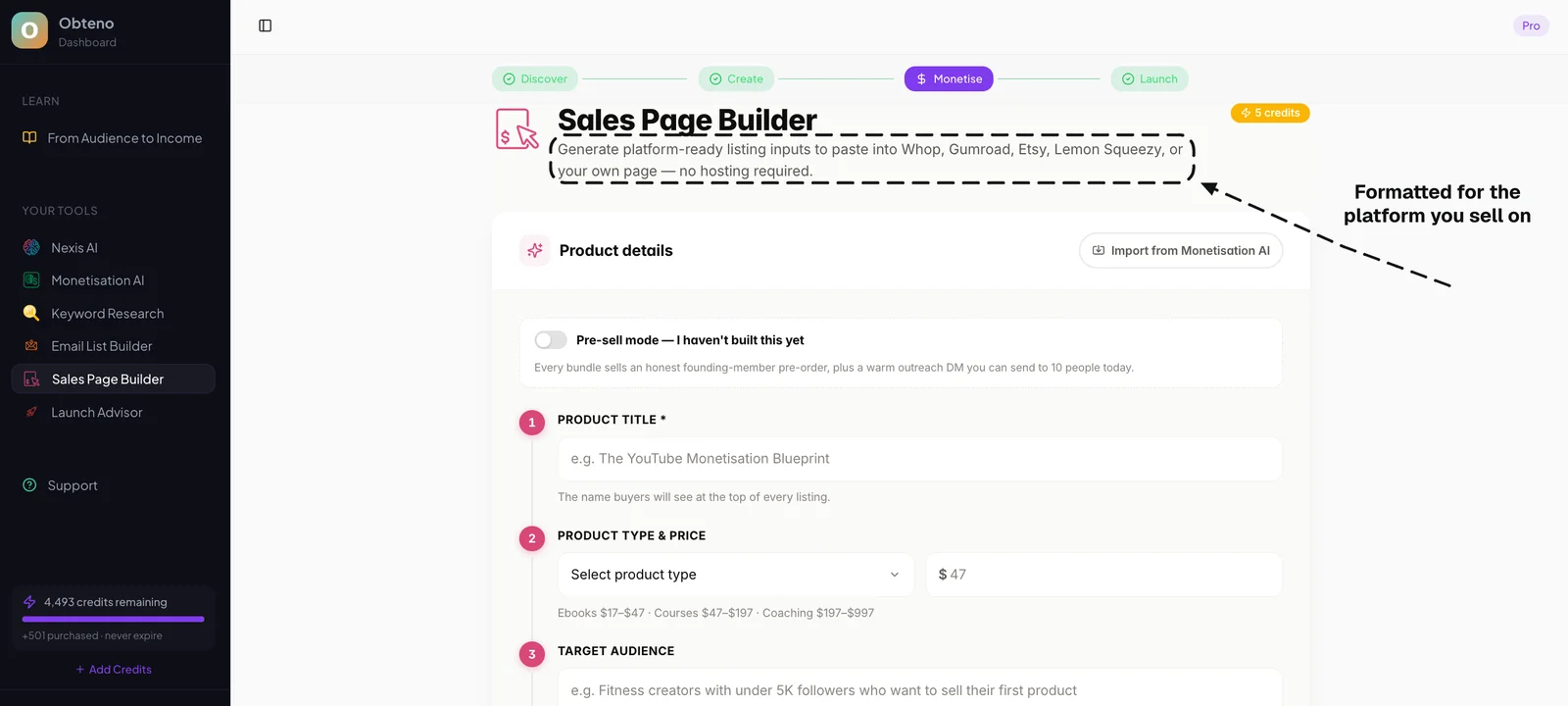
Obteno produces these files for you — the PDF pages, the cover and the zip, with the listing copy to go with them. If you would rather assemble them yourself, Canva and Google Docs will get a first product out of the door too.
Where Should a Beginner Sell Digital Products?
Choosing the right platform is critical. For beginners, marketplaces are often the best choice because they bring the customers to you.
1. Etsy
- Best for: Printables, digital planners, digital art, templates, digital stickers.
- Pros:
- Massive Built-in Audience: Millions of buyers actively looking for handmade and digital goods.
- Easy Setup: User-friendly interface for listing products.
- Strong Community: Support forums and resources for sellers.
- Cons:
- High Competition: Can be challenging to stand out without good SEO and marketing.
- Fees: Listing fees ($0.20 per listing, active for 4 months), transaction fees (6.5% of the sale price), payment processing fees (3% + $0.25 per transaction in the US) Etsy Fees.
- Branding Limitations: Less control over your shop's appearance compared to your own website.
2. Gumroad
- Best for: Ebooks, guides, templates (Notion, Canva), digital art, short courses, software.
- Pros:
- Extremely Simple Setup: You can create a product page and start selling in minutes.
- Flexible Pricing: Offers one-time payments, subscriptions, and pay-what-you-want options.
- Audience Building: Integrated email list management and audience discovery features.
- Low Barrier: Minimal design required for product pages.
- Cons:
- Higher Transaction Fees (tiered): 10% for creators earning under $1,000, decreasing to 3% for those earning over $1M. Gumroad Pricing.
- Less Built-in Discovery: While they have a marketplace, you're more responsible for driving your own traffic compared to Etsy.
3. Your Own Website (e.g., Shopify, WooCommerce)
- Best for: Any digital product, once you've validated your idea and are ready to scale.
- Pros:
- Full Control: Complete branding, design, and customer experience control.
- Lower Fees (over time): You pay platform fees, but no per-transaction marketplace fees (beyond payment processor fees like Stripe).
- Scalability: Integrate with email marketing, ads, and advanced analytics.
- Cons:
- Requires More Setup & Tech Skill: You're responsible for everything from design to marketing.
- No Built-in Audience: You have to drive all your own traffic.
- Monthly Costs: Shopify plans start from around $29/month, plus transaction fees if not using Shopify Payments Shopify Pricing.
| Platform | Best For | Pros | Cons | Fees (approx.) |
|---|---|---|---|---|
| Etsy | Printables, Digital Art | Large audience, easy to list, trust. | High competition, less branding control. | $0.20 listing + 6.5% transaction + payment processing. |
| Gumroad | Ebooks, Templates, Guides | Simple setup, flexible pricing, audience tools. | Higher transaction fees for beginners, less organic discovery. | 10% transaction (for <$1k rev) |
| Shopify | Any product (scalable) | Full control, strong branding, long-term growth. | Higher setup effort, no built-in audience, monthly cost. | From $29/month + payment processing. |
For your first sale, start with Etsy or Gumroad. Focus on validating your product idea and getting feedback. Once you have a proven product and some traction, then consider building your own website for greater control and scaling.
Pricing Your Digital Product for Profit and Growth
Pricing isn't just about picking a number; it's a strategic decision that impacts sales, perceived value, and your overall profitability.
- Value-Based Pricing:
- How much value does your product provide? How much time, effort, or money does it save your customer?
- Example: If your resume template helps someone land a job faster, its value is significantly higher than the few dollars you might charge.
- Competitor-Based Pricing:
- Research similar products on your chosen platform (Etsy, Gumroad). What are they charging?
- Don't just undercut; understand why they charge what they do. Is your product better, more comprehensive, or more niche?
- Aim for a competitive range, then differentiate on value.
- Cost-Plus Pricing (Less Relevant for Digital):
- While digital products have no "cost of goods," consider your time investment. How many hours did you spend creating it? What's your desired hourly rate?
- This helps ensure you're not undervaluing your effort.
- Psychological Pricing:
- Charm Pricing: Ending prices with .99 or .97 (e.g., $7.99 instead of $8.00) can make a product seem cheaper.
- Tiered Pricing: Offer a basic version, a "pro" version with extra features, and a "premium" bundle. This caters to different budgets and needs.
- Example: Basic Planner ($5), Planner + Tracker Bundle ($10), Ultimate Productivity Suite (Planner + Tracker + Journal + Ebook) ($18).
- Experiment and Iterate:
- Don't be afraid to test different price points. Start with a price, monitor sales, and adjust.
- Offer introductory discounts to generate initial sales and reviews.
Launching and Marketing Your First Digital Product
Creating your product is only half the battle. Getting it in front of the right people is how you make sales.
- Optimize Your Product Listing:
- Compelling Title: Include relevant keywords your target audience is searching for.
- High-Quality Mockups/Images: Since customers can't physically touch your product, high-quality visuals are crucial. Show your product in use (e.g., a printable planner on a desk, a Notion template filled with data). Use tools like Placeit or Smartmockups.
- Detailed Description: Explain what the product is, who it's for, what problem it solves, what's included, and how to use it. Use bullet points for readability.
- Keywords/Tags: Use all available tags on platforms like Etsy to maximize discoverability. Think like your customer: what would they type into the search bar?
- Leverage Social Media:
- Pinterest: Highly visual platform, excellent for printables, templates, and digital art. Create beautiful pins linking directly to your product.
- Instagram/TikTok: Share "behind-the-scenes" of your creation process, showcase your product in use, and create short, engaging videos demonstrating its benefits.
- Targeted Communities: Share your product (where allowed and appropriate) in niche-specific Facebook groups, Reddit communities, or forums where your target audience hangs out.
- Build an Email List (Start Early!):
- Even if you only have a few sales, start collecting email addresses. Offer a freebie (a mini-printable, a sample template, a short checklist) in exchange for an email address.
- Your email list is your most valuable asset for future launches and promotions.
- Ask for Reviews:
- Positive reviews build trust and social proof, which are vital for new sellers.
- Politely ask customers for reviews after they've received and used your product.
- Analyze and Adapt:
- Monitor Sales Data: Which products are selling well? Which aren't?
- Read Reviews & Feedback: What do customers love? What could be improved?
- Adjust: Refine your products, update your listings, try new marketing angles based on your insights. This iterative process is how businesses grow.
Common Pitfalls and How to Avoid Them
Even with the best intentions, beginners often make predictable mistakes. Being aware of them can save you time and frustration.
- Perfectionism Paralysis:
- Pitfall: Waiting until your product is "perfect" before launching, leading to endless delays.
- Avoid: Aim for "good enough" for your first launch. Get it out there, gather feedback, and iterate. Your first product is a learning experience, not your magnum opus.
- Ignoring Market Research:
- Pitfall: Creating a product based solely on your own interests without validating demand.
- Avoid: Always, always, always validate your idea with keyword research, competitor analysis, and checking platforms like trends.google.com before investing significant time.
- Neglecting Marketing & SEO:
- Pitfall: Assuming "if you build it, they will come."
- Avoid: Your product needs visibility. Learn basic SEO for your chosen platform (Etsy tags, Gumroad descriptions) and actively promote your product on social media.
- Undervaluing Your Work:
- Pitfall: Pricing your product too low because you're new or lack confidence, leading to burnout and low perceived value.
- Avoid: Price strategically based on value and competition, not just fear. You've invested time and effort; your product has value.
- Trying to Appeal to Everyone:
- Pitfall: Creating a generic product that doesn't target a specific audience.
- Avoid: Niche down. A product for "busy moms who want to meal prep healthy vegetarian dinners" will perform better than a "general meal planner." Specificity attracts dedicated buyers.
- Forgetting Legalities (Basic):
- Pitfall: Not understanding basic intellectual property or terms of use for templates.
- Avoid: If you're selling templates, clearly state whether they're for personal use only or if a commercial license is included. Ensure any fonts or graphics you use are licensed for commercial use. A simple "Terms of Use" PDF included with your product can cover this.
Frequently Asked Questions
What's the fastest way to make my first digital product sale?
Focus on a high-demand, low-complexity product like a printable or a simple template (e.g., a budget planner, a social media template). Sell it on a platform with an existing audience, like Etsy, and optimize your listing with strong keywords and appealing visuals.
Do I need a website to sell digital products?
No, especially not for your first sale. Platforms like Etsy and Gumroad allow you to sell digital products without needing to build and maintain your own website, handling payment processing and product delivery for you.
How much money can a beginner make selling digital products?
Earnings vary widely based on product quality, niche, marketing effort, and pricing. While it's possible to make a few hundred dollars a month with consistent effort, some creators scale to thousands.
What are the best free tools for creating digital products?
Canva (for design and templates), Google Docs (for writing ebooks), and Notion (for interactive templates) are excellent free tools for beginners. Many also offer affordable paid upgrades as you grow.
How do I protect my digital products from being copied?
While perfect protection is impossible, you can include watermarks on preview images, state your terms of use clearly, and register copyrights for unique intellectual property. Most importantly, focus on providing such high value and unique angles that buyers prefer to purchase rather than copy.
How do I deliver digital products to customers?
On marketplaces like Etsy and Gumroad, delivery is automated. Once a purchase is made, the platform provides the customer with a download link. If you have your own website, you'll typically use an e-commerce platform (like Shopify) or a plugin (like WooCommerce) that handles automated file delivery.