
The Digital Product Gold Rush: Why Now?
Imagine building an asset once, then selling it an infinite number of times without ever touching inventory, shipping, or physical goods. That's the power of digital products, and it's why we're in the midst of a genuine "gold rush." The digital content market is exploding The digital content market is exploding. This isn't just about big publishers; it's about individual creators like you.
The barrier to entry has never been lower. You don't need a huge budget, a team of designers, or complex software. You simply need a valuable idea and the right free tools. This guide cuts through the noise to give you the single best, most actionable blueprint for creating and selling digital products using absolutely free tools in 2026. If you've been dreaming of passive income, a side hustle, or even a full-time creative business, this is your starting point.
What Kinds of Digital Products Can You Create for Free?
The beauty of digital products is their versatility. Your skills, knowledge, or creativity can be packaged into countless forms. The key is to identify what problems you can solve or what joy you can provide. Here are some of the most popular and accessible types you can create with zero upfront software cost:
Ebooks & Guides
These are evergreen content powerhouses. Ebooks can range from short, targeted guides (e.g., "10 Tips for Budget Travel") to comprehensive instructional manuals. They're perfect for sharing expertise, recipes, tutorials, or even fiction.
- Examples: Recipe books, how-to guides, short novels, lead magnets for email lists, personal finance planners.
- Why they work: High perceived value, evergreen content, easy to consume digitally.
Printables & Templates
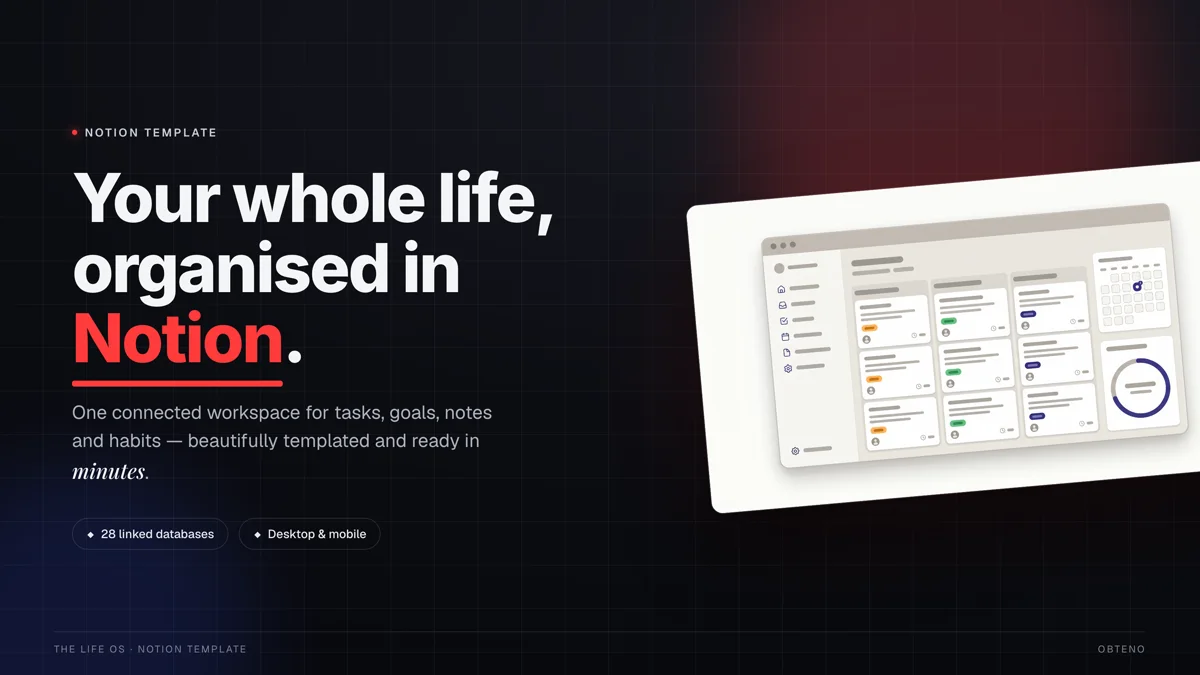
Perhaps the easiest entry point for many beginners. Printables are digital files designed to be printed by the customer (e.g., planners, trackers, wall art). Templates are editable files that users customize (e.g., social media templates, resume templates, Notion templates).
- Examples: Daily planners, budget trackers, chore charts, digital stickers, mood boards, Instagram post templates, wedding invitation templates.
- Why they work: High demand for organization and aesthetic appeal, low barrier to entry for creators, quick to create once you master a tool.
Digital Art & Graphics
If you have an artistic eye, this category is for you. From unique illustrations to stock photos, digital art can be sold as stand-alone pieces or as elements for other creators to use.
- Examples: SVG cut files for craft machines, Procreate brushes, custom fonts, seamless patterns, desktop wallpapers, social media icons, stock photography.
- Why they work: Appeals to specific niches, high demand for unique visual content, can be reused and resold.
Online Courses & Workshops (Free-Tier Friendly)
While comprehensive courses often require paid platforms, you can create valuable mini-courses or workshops using free tools for content creation and delivery. Think of short, actionable lessons.
- Examples: A 3-lesson video series on starting a podcast, a PDF guide with audio explanations on basic photography, a live workshop recording on a specific software skill.
- Why they work: High value, can command higher prices, positions you as an expert.
Software & Tools (No-Code/Low-Code Focus)
This might sound intimidating, but "no-code" and "low-code" platforms have democratized software creation. You can build simple tools, calculators, or interactive templates without writing a single line of code.
- Examples: A simple budget calculator in Google Sheets, a project management template in Notion, a lead generation quiz built with a free form builder.
- Why they work: Solves specific functional problems, often has strong perceived value, can be a premium offering.
The Best Free Tools for Each Digital Product Type
The secret to creating high-quality digital products for free lies in leveraging the generous free tiers of professional software. Here's a breakdown by product type:
For Ebooks & Guides
- Google Docs / Google Slides:
- What it is: Free online word processor and presentation software.
- How to use it for free: Create your entire ebook content in Docs, then export as a PDF. Use Slides for a more visual, image-heavy guide or presentation-style ebook. Docs offers excellent collaboration features and version history.
- Pros: Easy to use, cloud-based, collaborative, excellent export options (PDF).
- Cons: Limited advanced design features compared to dedicated layout software.
- Canva:
- What it is: A user-friendly graphic design platform.
- How to use it for free: Canva's free tier offers thousands of templates for ebooks, presentations, and documents. You can design stunning covers, layout entire pages, and add free stock photos and elements. Export directly as a high-quality PDF.
- Pros: Intuitive drag-and-drop interface, vast library of free assets, professional results quickly.
- Cons: Some premium features and assets are locked behind a paywall.
- Calibre:
- What it is: A free, open-source ebook management software.
- How to use it for free: Convert your finished PDF or Word document into various ebook formats like EPUB or MOBI, which are compatible with e-readers like Kindle.
- Pros: Excellent format conversion, advanced metadata editing.
- Cons: Can have a learning curve for advanced features; primarily a desktop application.
When creating an ebook, focus on structuring your content logically with clear headings and a table of contents. Even with free tools, a well-organized guide feels professional. Use free fonts from Google Fonts for a consistent and clean look.
For Printables & Templates
- Canva:
- What it is: The go-to for visual design.
- How to use it for free: Canva's free tier is a goldmine for printables. Access thousands of templates for planners, calendars, worksheets, invitations, social media graphics, and more. Customize colors, fonts, images, and elements. Easily resize for different printable dimensions and export as high-resolution PDFs or JPGs.
- Pros: Unmatched ease of use, extensive free template library, perfect for quick design and iteration.
- Cons: Some unique fonts or stock photos are premium-only.
- Google Sheets / Google Docs:
- What it is: Spreadsheet and word processing tools.
- How to use it for free: Ideal for creating functional templates like budget trackers, expense sheets, workout logs, or simple checklists. Docs can be used for text-heavy templates like journaling prompts or lesson plans. Export directly to PDF or share as editable templates.
- Pros: Excellent for data-driven or text-heavy templates, easy to share editable versions.
- Cons: Limited aesthetic design capabilities compared to Canva.
- Notion:
- What it is: A powerful workspace tool for notes, tasks, databases, and more.
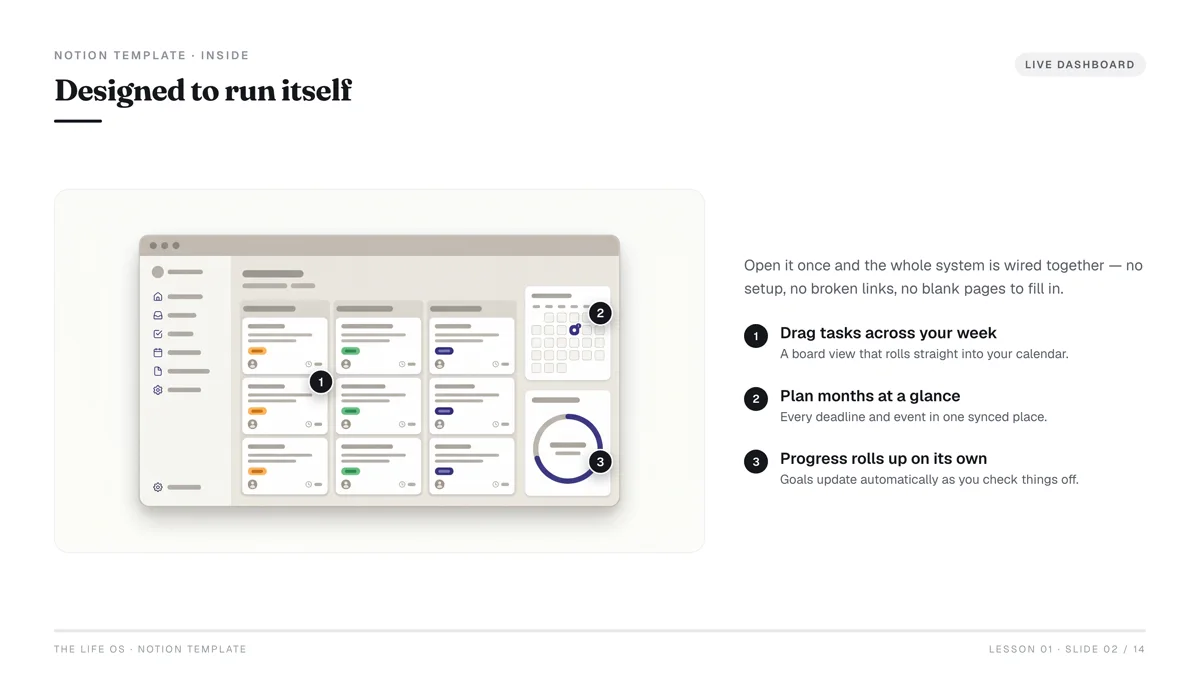
- How to use it for free: Create incredibly versatile and interactive templates for project management, content calendars, goal setting, habit tracking, or personal dashboards. Users can duplicate your template into their own Notion workspace.
- Pros: Highly customizable, interactive templates, appeals to a productivity-focused audience.
- Cons: Learning curve for complex setups; requires users to have (or get) a Notion account.
For Digital Art & Graphics
- GIMP (GNU Image Manipulation Program):
- What it is: A free, open-source alternative to Photoshop.
- How to use it for free: Edit photos, create digital paintings, design complex graphics, and manipulate images. It supports layers, filters, and a wide array of tools for professional-level artwork.
- Pros: Extremely powerful, full-featured, completely free with no hidden costs.
- Cons: Steeper learning curve than Canva; interface can be overwhelming for beginners.
- Inkscape:
- What it is: A free, open-source vector graphics editor, similar to Adobe Illustrator.
- How to use it for free: Create scalable vector graphics (SVGs) for logos, illustrations, icons, and cut files for craft machines. Vector graphics can be resized indefinitely without losing quality, making them perfect for diverse applications.
- Pros: Professional-grade vector editing, ideal for print-on-demand and craft files, completely free.
- Cons: Can be complex for beginners, requires understanding of vector principles.
- Canva:
- What it is: Again, Canva makes an appearance for its accessibility.
- How to use it for free: While not a dedicated drawing tool, Canva's free tier allows you to combine free elements, shapes, and fonts to create unique digital collages, social media graphics, simple illustrations, and patterns. You can also upload your own sketches and enhance them.
- Pros: Quick and easy for simpler graphics, great for combining existing elements.
- Cons: Limited freehand drawing or advanced illustration capabilities.
For Online Courses & Workshops
- Google Meet / Zoom (Free Tier):
- What it is: Video conferencing tools.
- How to use it for free: Host live workshops (limited duration on free tiers) or record your lessons. You can record your screen and webcam, providing engaging content.
- Pros: Easy to use, widely adopted, good for live interaction.
- Cons: Time limits on free tiers (e.g., 40 mins for Zoom group meetings), limited advanced features.
- Loom (Free Tier):
- What it is: Screen recording and video messaging tool.
- How to use it for free: Record your screen, camera, and microphone simultaneously. Perfect for software tutorials, walkthroughs, or explaining complex concepts. The free tier offers up to 25 videos (5 min limit each) and a limited number of creators.
- Pros: Incredibly easy to use, quick sharing, good for short, digestible lessons.
- Cons: Video length and quantity limits on the free plan.
- Google Docs / Slides / Canva:
- What it is: Content creation tools.
- How to use it for free: Create accompanying PDF workbooks, presentation slides, or cheat sheets for your course content. These can be valuable add-ons to your video lessons.
- Pros: Versatile for supplementary materials, enhances learning experience.
- Cons: Not a primary course delivery platform itself.
For Simple Software/Tools (No-Code)
- Google Sheets:
- What it is: A powerful online spreadsheet application.
- How to use it for free: Build interactive calculators (e.g., budget planners, loan calculators), trackers, simple project management systems, or data visualization dashboards. You can protect cells, add formulas, and make them user-friendly.
- Pros: Highly versatile for data and calculations, widely accessible, easy to share.
- Cons: Interface isn't as polished as dedicated software, requires some formula knowledge.
- Notion:
- What it is: Your all-in-one workspace.
- How to use it for free: As mentioned earlier, Notion is fantastic for creating customizable templates that act as mini-tools: content calendars, goal-setting systems, CRM dashboards, habit trackers, and more. Users duplicate your template and use it in their own Notion workspace.
- Pros: Extremely flexible, visually appealing, appeals to a productivity-focused market.
- Cons: Requires users to be familiar with (or willing to learn) Notion.
- Typeform / Google Forms (Free Tier):
- What it is: Online form and survey builders.
- How to use it for free: Create interactive quizzes, lead generation forms that provide personalized results, or simple decision-making tools. While not "software," these can be sold as valuable interactive experiences.
- Pros: Great for engagement, easy to set up conditional logic, useful for lead magnets.
- Cons: Limited in complex functionality, primarily for data collection/interaction.
Where Can You Sell Your Free Digital Products?
Creating your digital product is only half the battle. The next crucial step is getting it in front of buyers. You have several excellent options, many with free starter tiers or low upfront costs.
Etsy: The Craft & Digital Hub
- What it is: A global marketplace known for handmade, vintage, and craft supplies, but also a massive hub for digital products like printables, templates, and digital art.
- How it works for free: Setting up an Etsy shop is free. You only pay a listing fee ($0.20 per item) when you publish a product and a transaction fee (6.5%) on sales Etsy Fees. This means you only pay when you make a sale.
- Pros: Huge existing audience actively searching for digital products, established trust, built-in marketing features, easy setup.
- Cons: High competition, listing fees can add up if you have many products that don't sell quickly, Etsy's branding dominates.
Gumroad: Creator-Friendly Simplicity
- What it is: A straightforward platform designed for creators to sell digital products directly to their audience.
- How it works for free: Gumroad has no monthly fees. They take a transaction fee on each sale, which decreases as your lifetime earnings increase (starting at 10% for new creators) Gumroad Pricing. This makes it entirely free to start and only costs when you profit.
- Pros: Very easy to set up products and a storefront, direct communication with customers, flexible pricing options (pay what you want), excellent for selling directly from social media or email.
- Cons: Less built-in discoverability compared to Etsy; you're responsible for driving most of your traffic.
Your Own Website (WordPress/Shopify Free Trials)
- What it is: Building your own online store gives you complete control over branding, customer data, and sales.
- How it works for free/low cost:
- WordPress: You can use wordpress.com's free plan for a basic blog and link to Gumroad for sales, or use a self-hosted WordPress installation (which requires paid hosting, but the software itself is free) with a free e-commerce plugin like WooCommerce. This isn't strictly "free" beyond the software, but gives maximum control.
- Shopify: Offers a free trial (often 3-14 days), allowing you to build and test your store without commitment. After the trial, it's a paid subscription, but the trial can be invaluable for learning.
- Pros: Full branding control, no transaction fees (beyond payment processor), own your customer data, scalable.
- Cons: Requires more technical setup and marketing effort, not truly "free" long-term for hosting/platform.
Other Niche Marketplaces
- Creative Market: For designers, photographers, and artists selling fonts, templates, graphics, etc. (Requires application for a shop, 50% commission on sales).
- Teachers Pay Teachers: If you create educational resources (e.g., lesson plans, worksheets), this is a dedicated marketplace. (Free basic membership, 55% commission on sales).
- Amazon KDP: For ebooks (and print-on-demand books). Free to publish, Amazon takes a royalty cut.
Here's a comparison of the top selling platforms:
| Feature | Etsy | Gumroad | Self-Hosted (e.g., WordPress + WooCommerce) |
|---|---|---|---|
| Setup Cost | Free shop setup, $0.20/listing fee | Free | Free software, paid hosting/domain (~$5-15/mo) |
| Transaction Fee | 6.5% + payment processing fees | 10% (decreases with lifetime earnings) | Payment processor fees (~2.9% + $0.30) |
| Discoverability | High (large existing audience) | Low (relies on creator's marketing) | Low (relies on creator's marketing) |
| Control | Limited (Etsy branding, rules) | Moderate (your own page on Gumroad) | Full (your own branding, rules) |
| Best For | Printables, templates, digital art | Ebooks, courses, simple software, direct sales | Any digital product, long-term brand building |
Start with Etsy or Gumroad to validate your product idea with minimal risk. Once you have consistent sales and understand your audience, consider investing in your own website for greater control and scaling.
How Do You Market Digital Products on a Zero Budget?
Even the best digital product won't sell itself. Marketing is essential, but it doesn't have to cost money. Here's how to get the word out for free:
1. Content Marketing & SEO
- Blog Posts: Write articles that solve problems related to your digital product. If you sell a budget planner, write about "5 Ways to Save Money This Month." Naturally link to your product within the post. Use free tools like Google Keyword Planner to find relevant search terms.
- Pinterest: Pinterest is a visual search engine. Create compelling pins (using Canva's free tier) that showcase your product and link directly to your Etsy shop or Gumroad page. Pin consistently.
- YouTube: Create short tutorials or explainer videos related to your product. If you sell a Notion template, create a video showing how to use it. Link your product in the video description.
2. Social Media Engagement
- Instagram/TikTok: Share visually appealing snippets of your digital products. Use relevant hashtags. Engage with your audience by asking questions and responding to comments. Show behind-the-scenes glimpses of your creation process.
- Facebook Groups/Reddit: Join niche-specific groups where your target audience hangs out. Provide genuine value, answer questions, and only occasionally (and respectfully, following group rules) share your product if it's a perfect fit for a discussion. Avoid spamming.
- LinkedIn: If your product is B2B (e.g., business templates, professional guides), share insights and link to your product on LinkedIn.
3. Email Marketing
- Build an Email List: Offer a freebie (a mini-version of your product, a checklist, a short guide) in exchange for an email address. Use free email marketing services like MailerLite or Mailchimp (free up to a certain number of subscribers).
- Nurture & Sell: Send regular newsletters with valuable content, tips, and occasional promotions for your paid digital products. This builds trust and direct access to your audience.
4. Leveraging Free Communities
- Collaborate: Partner with other creators in your niche for cross-promotion. Host a joint giveaway, swap shout-outs, or create a bundled product.
- Guest Posting: Offer to write a guest blog post for a website or newsletter in your niche. This exposes you to their audience and builds backlinks to your selling platform.
Common Pitfalls & How to Avoid Them
Even with the best tools, creators often stumble. Here are common mistakes and how to sidestep them:
- Perfectionism Paralysis:
- Pitfall: Waiting until your product is "perfect" before launching, leading to endless delays.
- Avoid: Embrace the "minimum viable product" (MVP) approach. Create a good-enough version, launch it, gather feedback, and iterate. Your first product doesn't have to be your magnum opus.
- Ignoring Market Demand:
- Pitfall: Creating a product you think people want without actually validating the idea.
- Avoid: Do your research. Look at best-sellers on Etsy or Gumroad. Use Google Trends to see what's popular. Ask potential customers what problems they need solved.
- Poor Product Descriptions/Images:
- Pitfall: Having a great product but failing to communicate its value effectively.
- Avoid: Craft compelling descriptions that highlight benefits, not just features. Use high-quality mockups and images (Canva has free mockup templates) that show your product in use.
- Neglecting Marketing:
- Pitfall: Believing "build it and they will come."
- Avoid: Dedicate as much time to marketing as you do to creation. Even free tools require consistent effort to get visibility.
- Underpricing Your Value:
- Pitfall: Pricing too low because you used free tools or are new.
- Avoid: Research competitor pricing. Price based on the value your product provides, not your creation cost. You can always run promotions later.
- Not Collecting Feedback:
- Pitfall: Missing opportunities to improve your product or create new ones.
- Avoid: Actively solicit customer reviews and feedback. Use surveys (Google Forms is free) to understand what your audience wants next.
Building a Digital Product Business: Your Next Steps
You've got the tools, the knowledge, and the selling platforms. What's next? Building a sustainable digital product business is a journey, not a sprint.
- Pick Your First Product: Don't try to do everything at once. Choose one product type (e.g., a printable planner or a short ebook) and commit to finishing it.
- Master One Tool: Instead of trying to learn GIMP, Inkscape, and Notion all at once, pick one primary tool (like Canva for printables) and become proficient.
- Launch and Learn: Get your first product out there. Don't let fear hold you back. The real learning happens after you launch.
- Gather Feedback: Pay attention to reviews, emails, and social media comments. Use this feedback to improve your existing products and inform new ones.
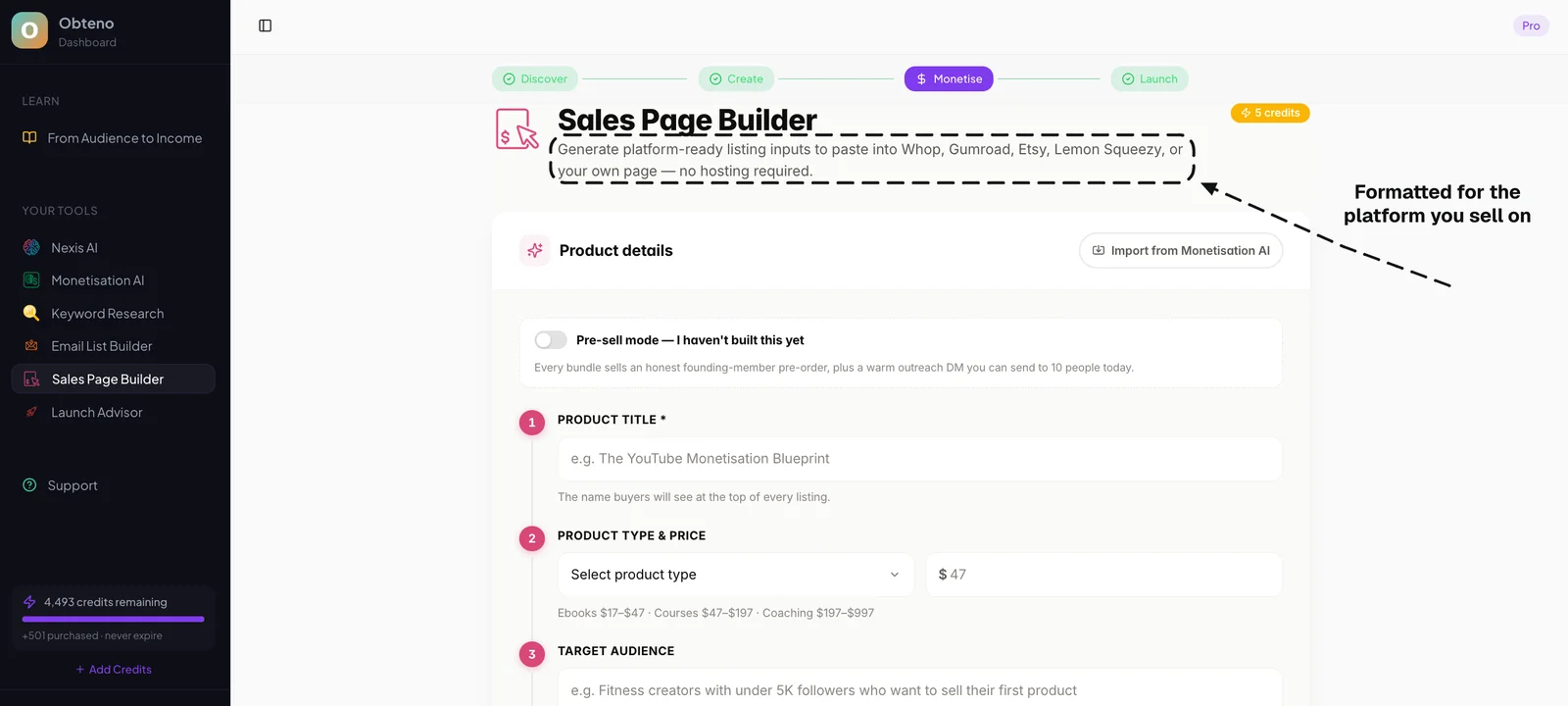
- Automate and Scale: As you grow, look for ways to automate parts of your business. Obteno writes the product itself — the chapters, or the template pages — then designs the cover and packages the files, so a second product does not cost you a second week.
- Expand Your Offerings: Once you have a successful product, consider variations, bundles, or complementary products. If your budget planner is a hit, create an expense tracker or a debt payoff guide.
- Build Your Audience: Focus on growing your email list and social media presence. This direct access to your audience is your most valuable asset.
Remember, the digital product space is dynamic and rewarding. With consistency, a willingness to learn, and the powerful free tools available, you are well-equipped to turn your ideas into income. The best time to start was yesterday; the next best time is now.
Frequently Asked Questions
Can I really make money with free tools?
Absolutely. Many successful digital product creators started with free tools like Canva, Google Docs, and Gumroad. The value comes from your idea, content, and design, not the cost of the software. Free tools often provide enough functionality to create professional-quality products.
How do I choose what digital product to create first?
Start with something you're passionate about or knowledgeable in. Research existing best-sellers in that niche on platforms like Etsy or Amazon. Look for common problems people are trying to solve and create a product that offers a clear solution or unique value.
What are the biggest challenges for beginners?
The biggest challenges include overcoming perfectionism, effectively marketing their products to the right audience, and understanding pricing strategies. Many beginners also struggle with consistency in creation and promotion, which is key to long-term success.
Do I need a website to sell digital products?
No, you don't. Platforms like Etsy and Gumroad allow you to sell digital products without needing your own website. While a website offers more control and branding, it's often a later step after you've validated your product and gained some traction.
How do I handle customer support for digital products?
For simple digital products, customer support often involves answering questions about downloads, usage, or compatibility. You can manage this directly through the selling platform's messaging system (e.g., Etsy messages) or via a dedicated email address. Providing clear instructions with your product can significantly reduce support requests.
What about copyright and intellectual property when using free tools?
When using free tools and their assets (fonts, stock photos, templates), always check their licensing terms. Many free assets are for personal use or require attribution, while others are free for commercial use. If you create original content, you own the copyright to your creation, but ensure you're not infringing on others' intellectual property.